
Data view in Results
Not all respondents who start filling out a survey always reach the end of the questionnaire. This can be caused by various factors: lack of interest in the topic or time to complete it, too many questions, or even technical problems. The survey creator, for various reasons, may however want to access not only complete, but also incomplete results. CustomerHero gives them this possibility from the Results level.
How to change the data view?
By default, all completions are displayed. The option to change this is available in Results in the menu located at the top of the screen. You can display Only completed or Only incomplete completions. To select the appropriate mode, click the corresponding option.
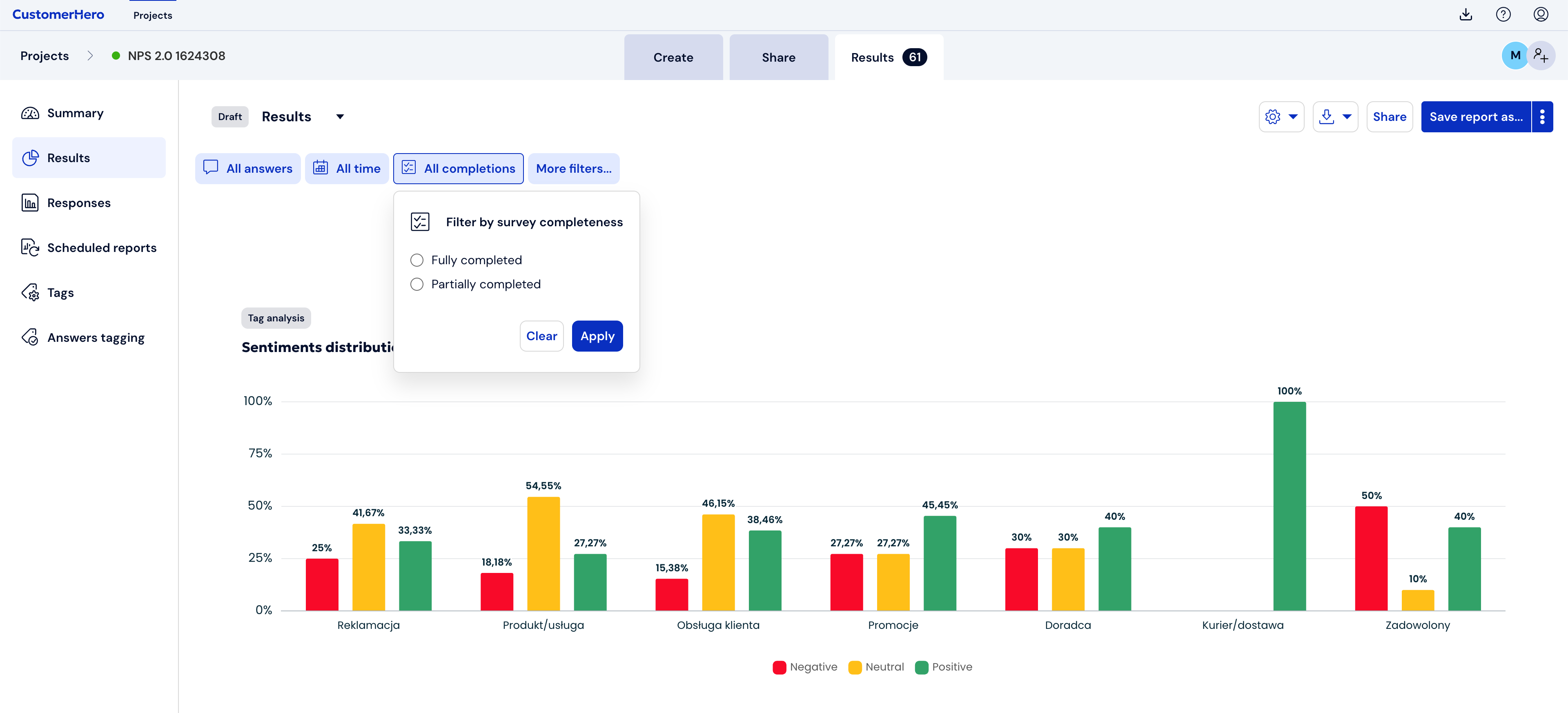
The ability to display all completions allows the user to see how respondents who did not finish their completions answered, without the need to export the results to a file.