
How to check the unfinished surveys?
Sometimes we need information not only from surveys that have been completed, but also partial data from incomplete surveys.
If we want to check, for example, where respondents most often abandon the survey, we can display all completions by going to the Results tab.
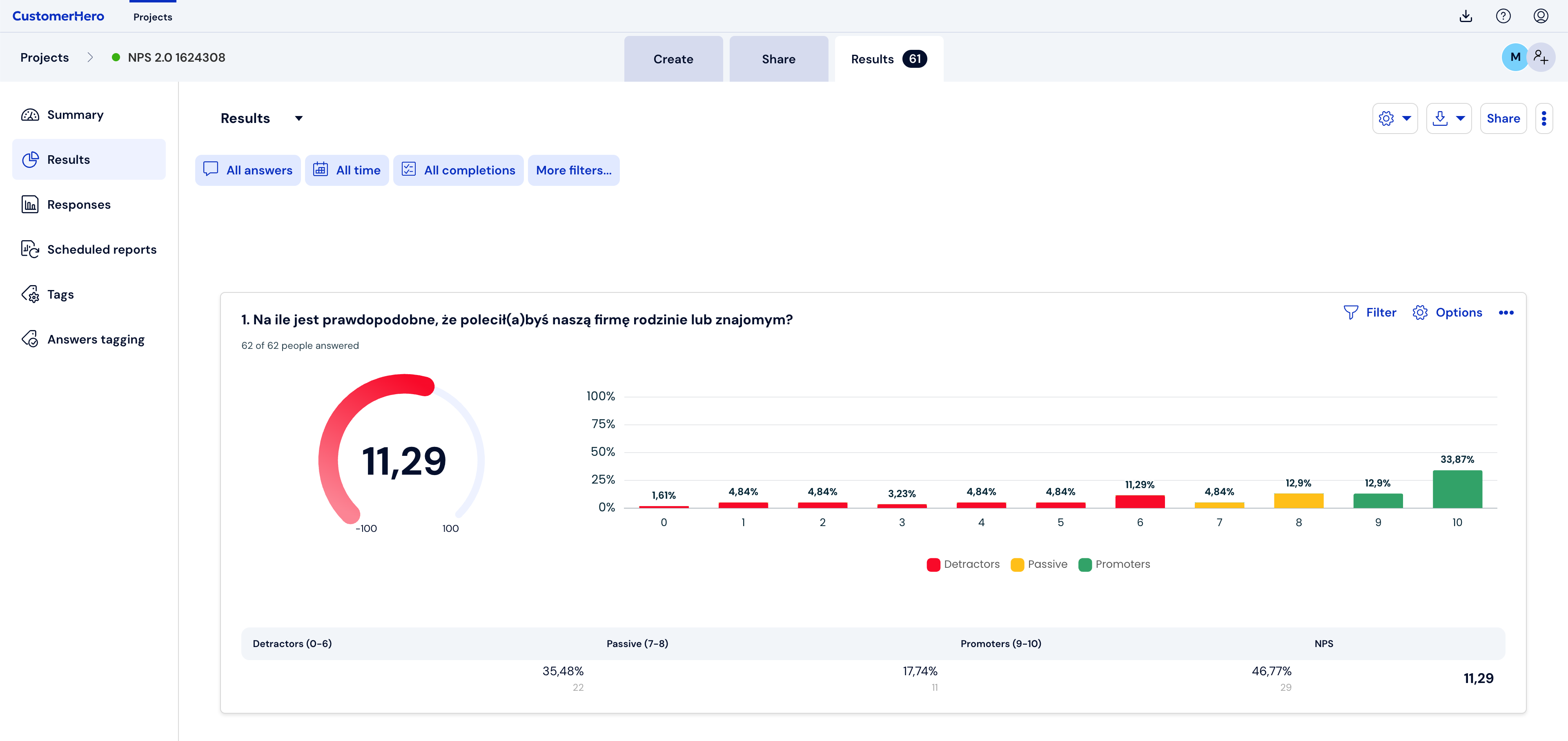
We can also do this by downloading raw data with all completions. We go to the Results tab and then Completions and click Download raw data.
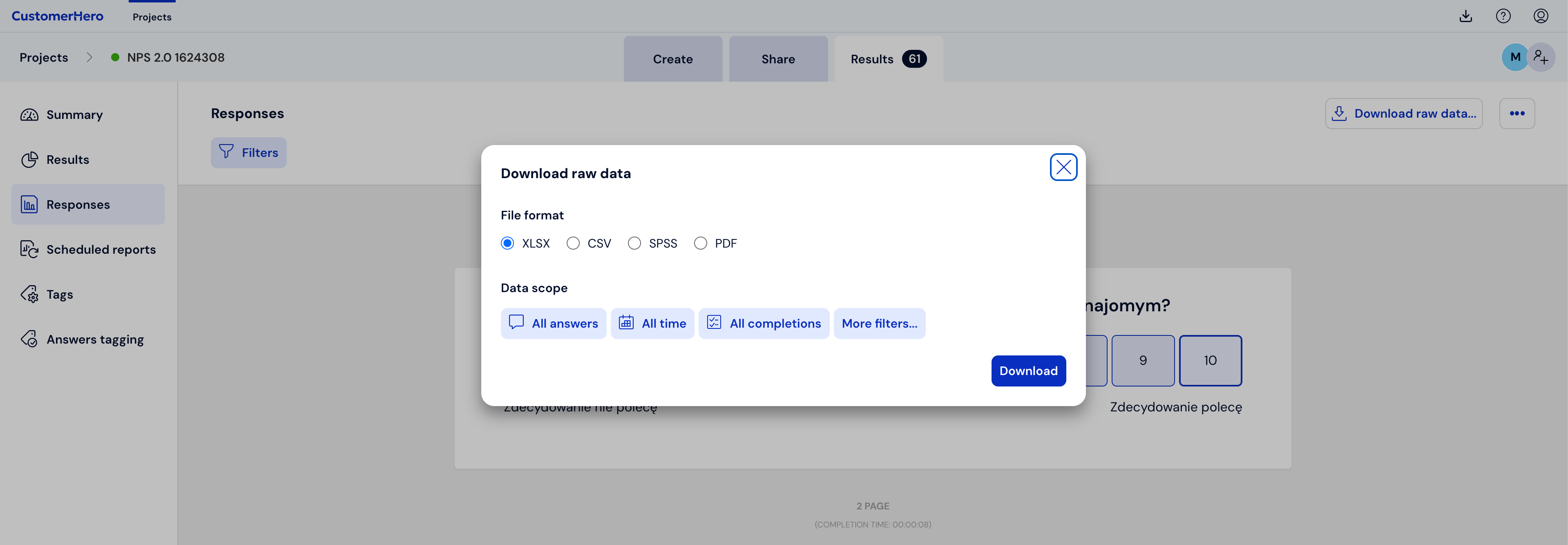
All completions will include surveys that are completed and those whose completion was interrupted.
Important:
Abandoned surveys are visible in the account the next day after the survey is abandoned.
Incomplete completions are saved if the survey has more than one page and the respondent pressed the Next button on at least one of them.