
How do I delete individual response?
If results from respondents have already been collected in your project but you forgot to delete your test completions, which affect the aggregated results, nothing is lost, you can delete them at any time.
To do this, go to the Results > Completions tab.
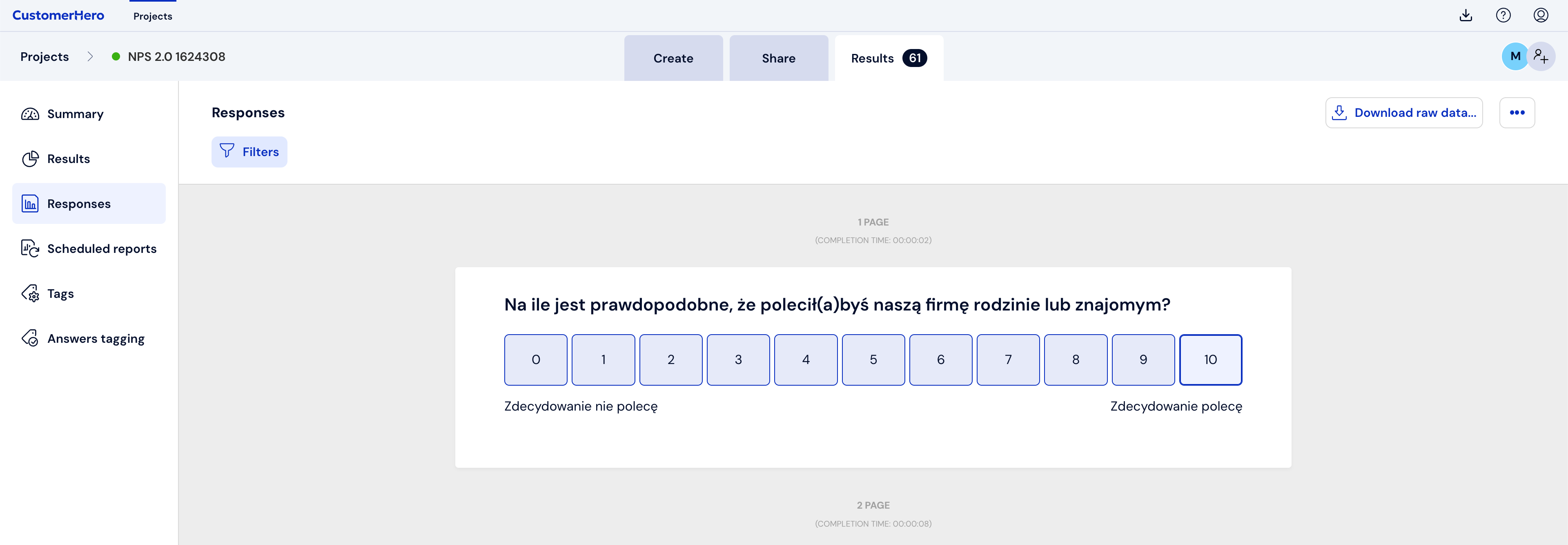
Then, at the bottom of the page, from the drop-down list, select the given completion sheet. The provided date and time indicate the time the respondent completed the survey.
Finally, select the "Delete sheet" button

NOTE: Single completions and all results can be deleted only in a paid account. It is not possible in a test account.