
Copying the existing surveys
If you want to create a survey based on an existing project, you can copy the survey in two ways.
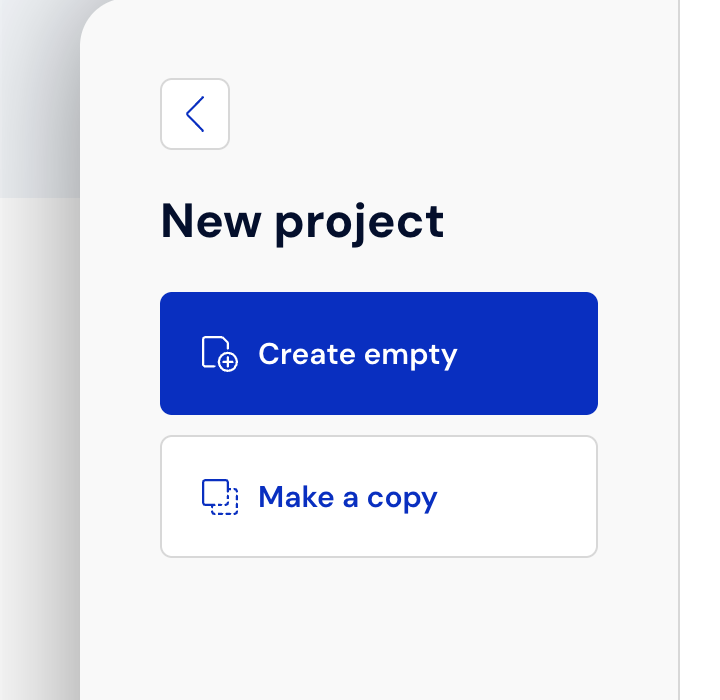
In the Projects tab, click the New project button.
2. Then select "Create a copy"
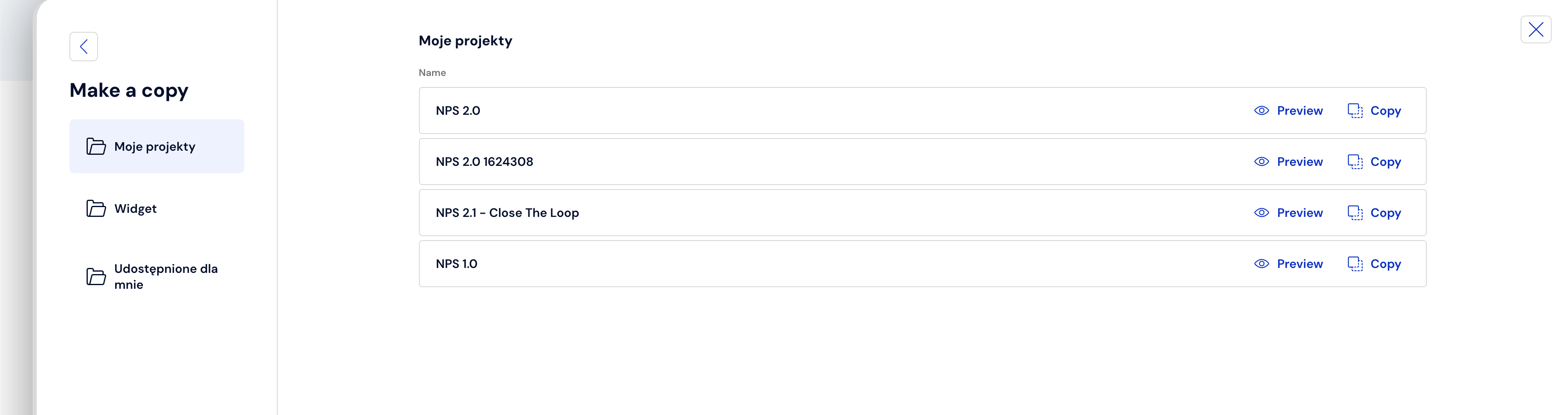
3. In the next step, select the project type (Survey, Test, Widget or shared project). If you see the title of the survey you want to copy, select the "Copy" button
4. Another way to copy a survey is to copy it from the projects list. Click on the three dots and select "Copy".
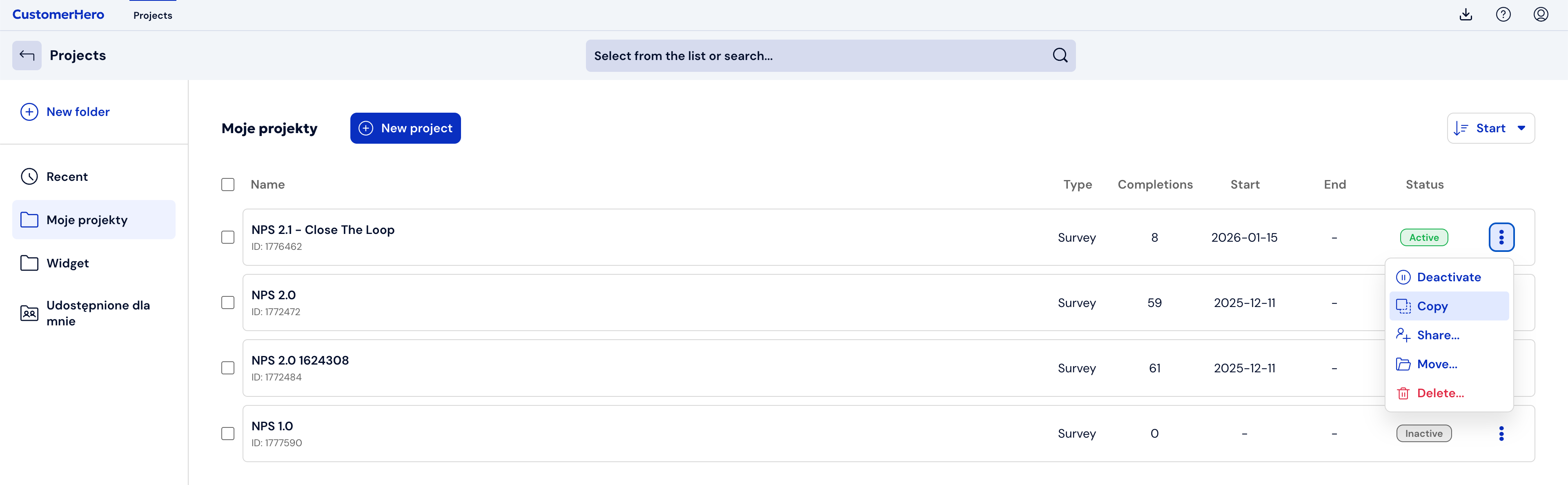
5. Done :) The new survey is located in the Projects tab