
How to sort the list of projects?
If you need to sort projects in a selected order, simply go to the Projects tab and then use the sort button:
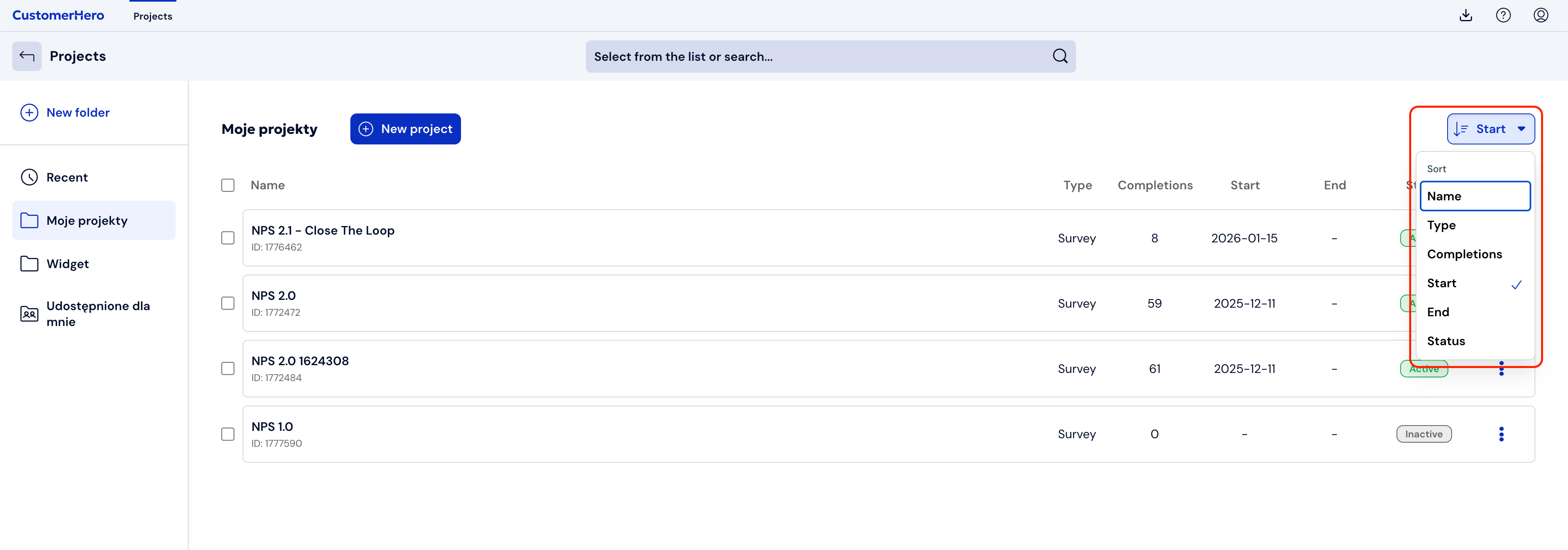
You can sort projects by:
name (first numbers, then from A to Z)
type (in order: Survey, Test, Widget)
number of completions (descending)
start or end date of the study (from the newest date)
status (first active, then inactive)