
Thank you page after completing the survey
A thank you is a very important element of a survey – and every survey at that. It is placed at the very end of it, demonstrating respect for the respondent and the professionalism of the study.
How to change the thank you text for completion?
After you finish adding questions, stay in the Creation tab.
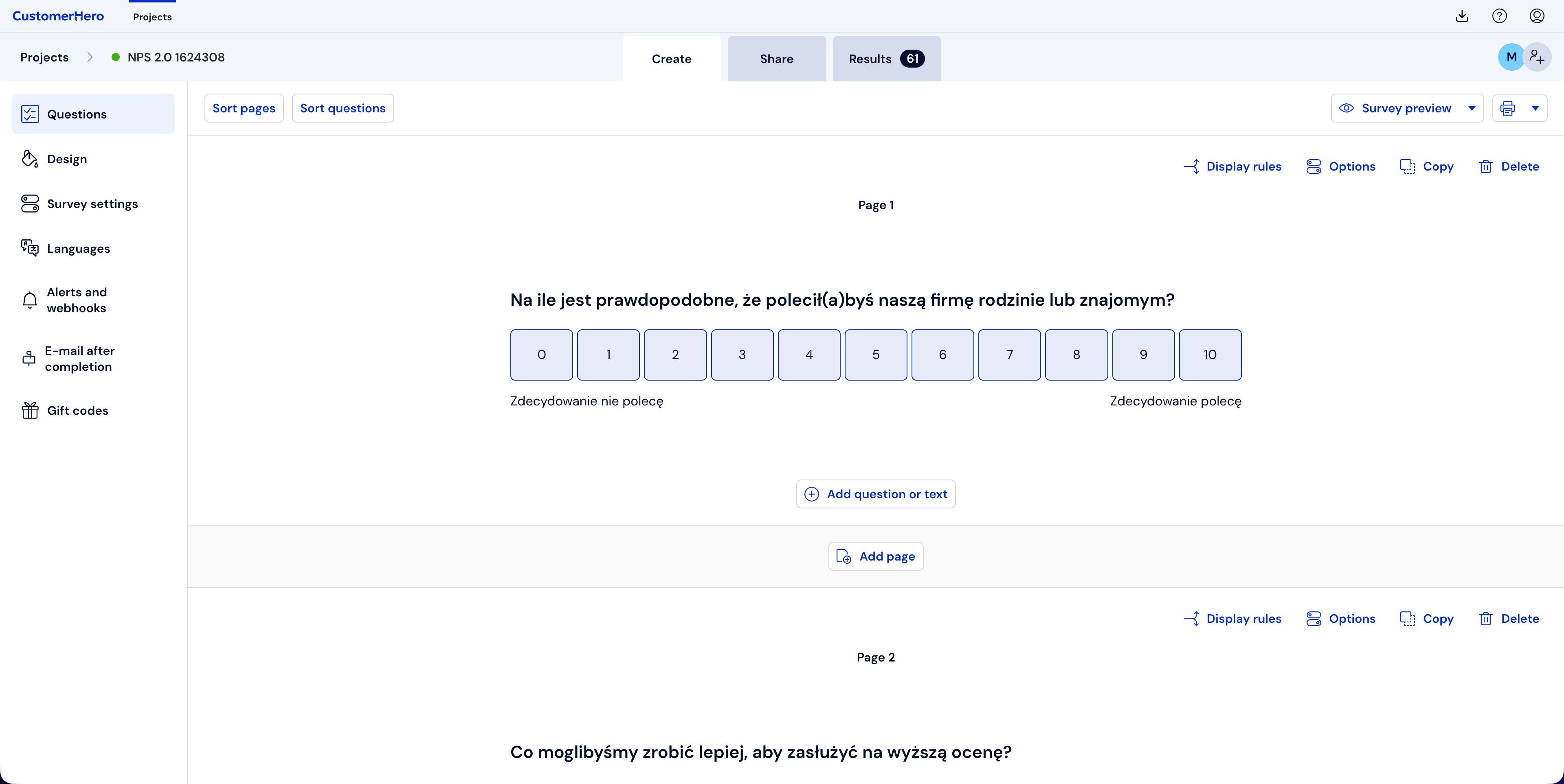
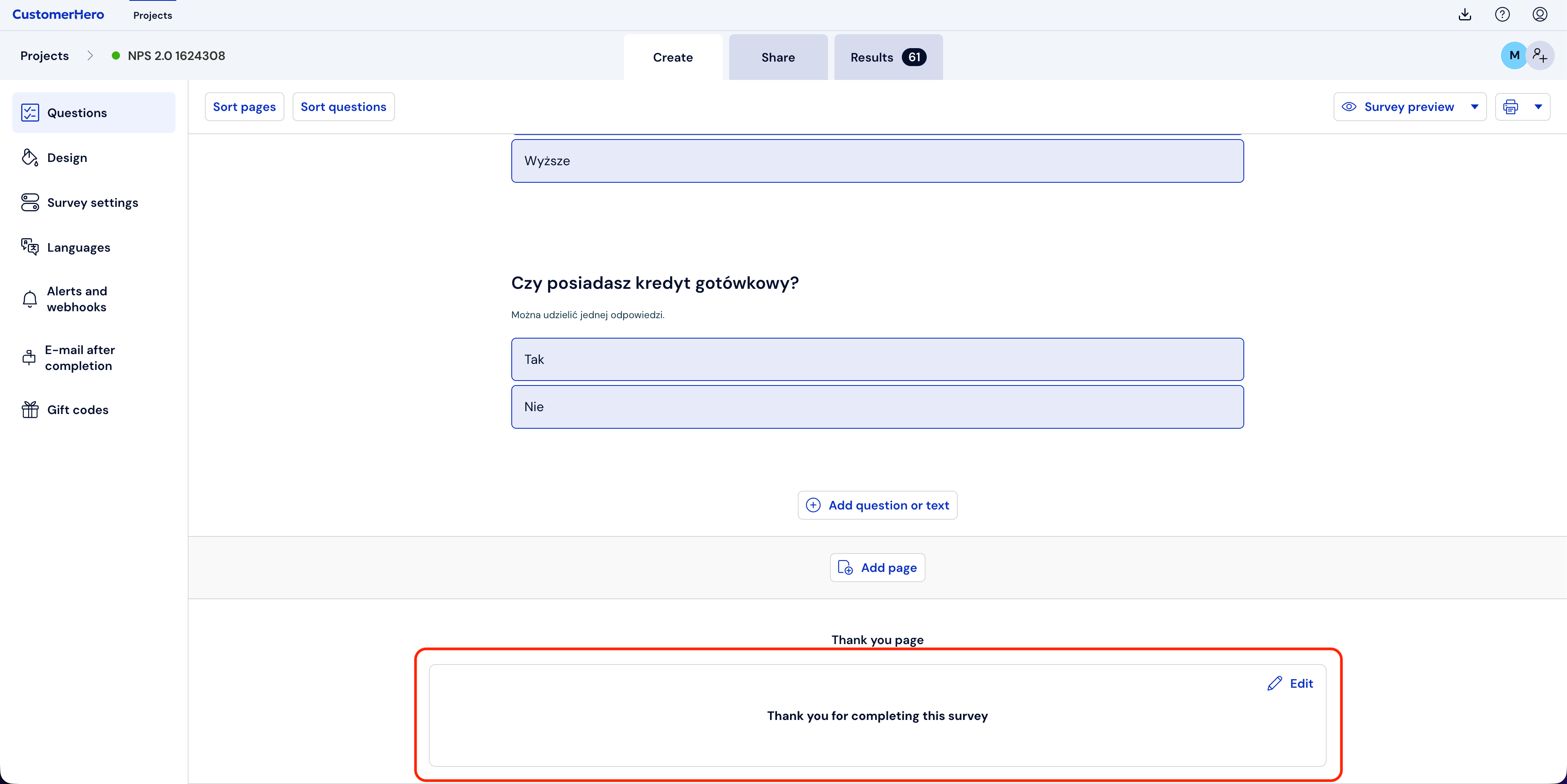
Scroll down to the very bottom of the page and hover your cursor over the default thank you text „Thank you for completing the survey”, this will cause the Edit option to appear in the upper right corner of the form field.
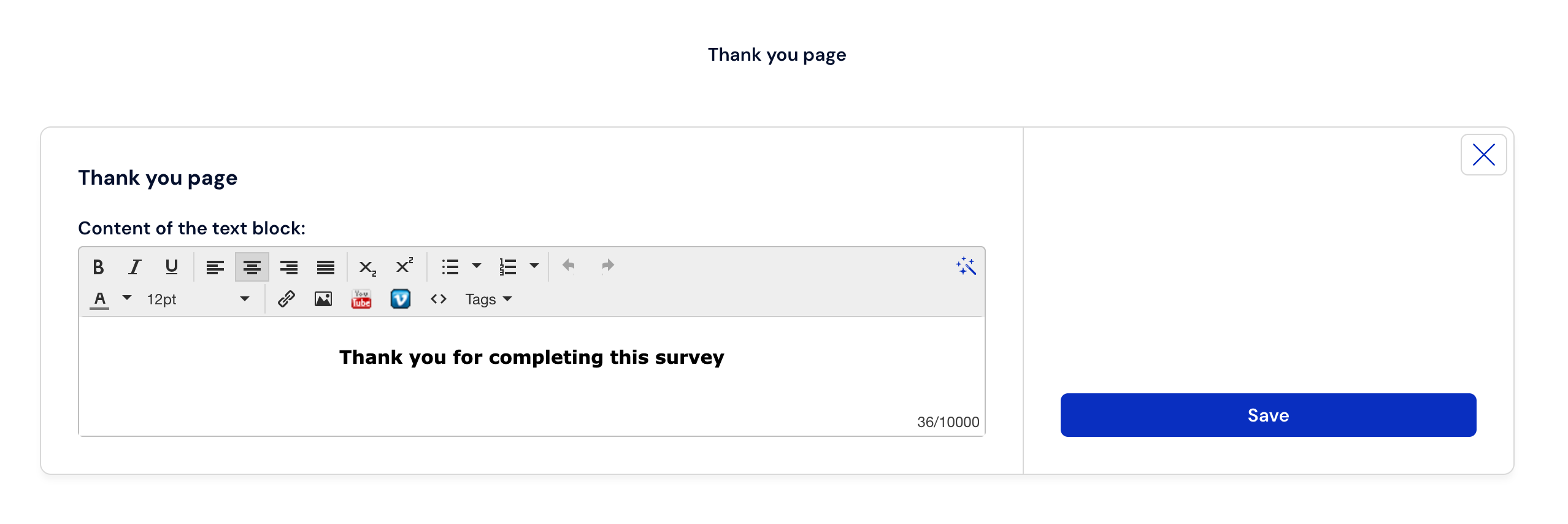
Click Edit, and then enter any thank you text into the field, and then confirm the changes by clicking Save.
What is worth remembering?
Thanking for completing the survey demonstrates respect for the respondent. It is also an excellent way to inform them once again why the study they participated in is so important.
The thank you message can be edited at any time during the survey, as well as after it has ended.