
Adding multimedia to the content of the question
Thanks to this feature, you will place various types of multimedia – photos, videos, or audio files in the content of the question or answer. This makes filling out the survey more attractive. It is also a tool that gives us the opportunity to present the respondent with more information to evaluate. Ultimately, it is an opportunity to achieve specific research goals – requiring the inclusion of multimedia (e.g., research on television commercials).
How to add a YouTube video?
Before you start adding videos from YouTube, you must have an account on this platform, as well as upload the videos you want to use in the survey to it.
Next, when adding a question (See how to add a question) click the edit icon to access advanced editing of the question or answer.
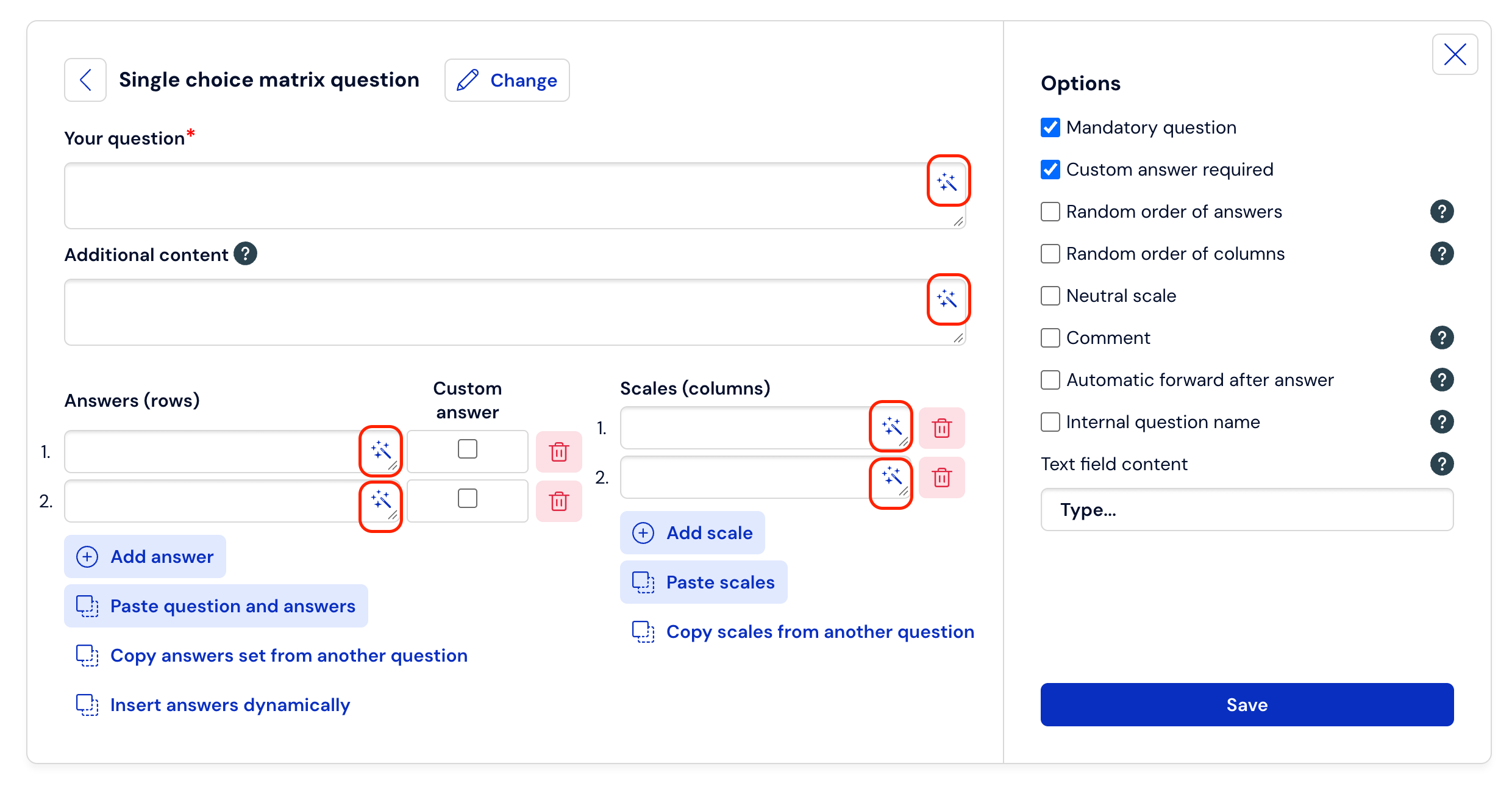
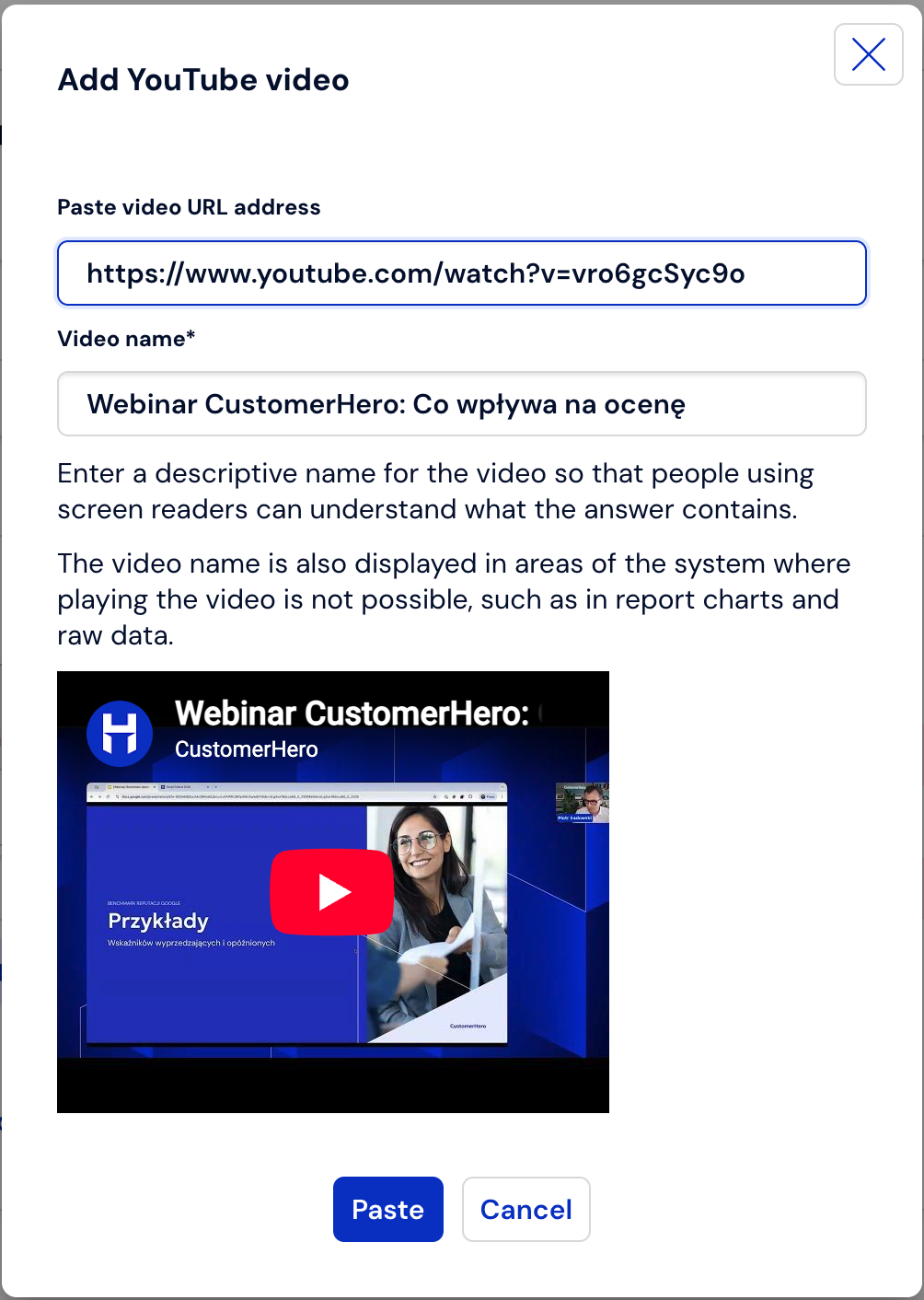
To add a YouTube video, click in the advanced question/answer editing menu.

Paste the link to the video located on this platform into the form field and confirm the changes by selecting Insert. To cancel, click Cancel.
How to add an image?
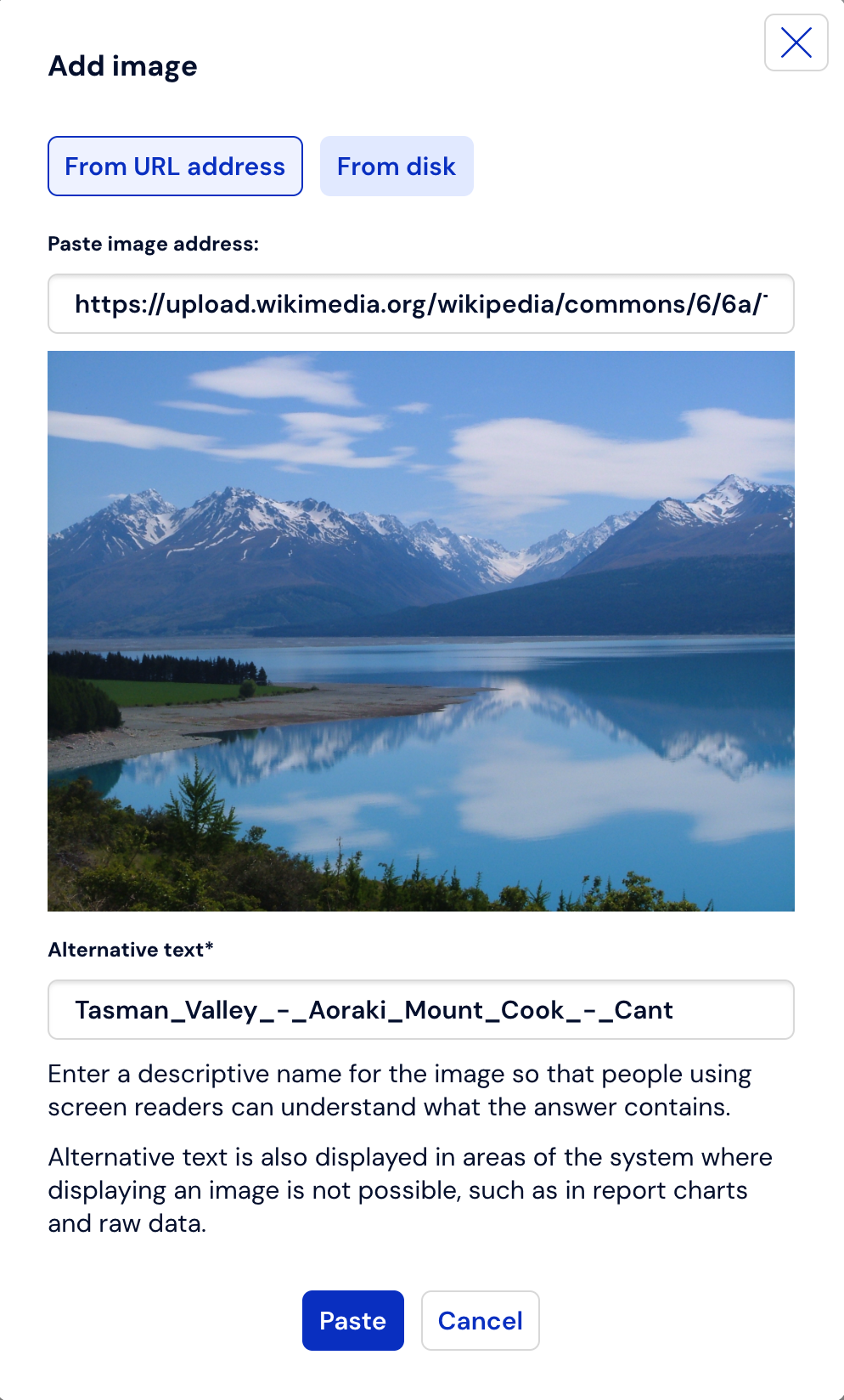
To add an image, select (4) in the advanced editing menu.

To add an image located on the Internet, click From URL, and then paste the graphic's URL address into the form field (this address is obtained by right-clicking on the image and selecting Copy image address).
Confirm the changes by clicking Insert, or Cancel if you want to discard the introduced changes.
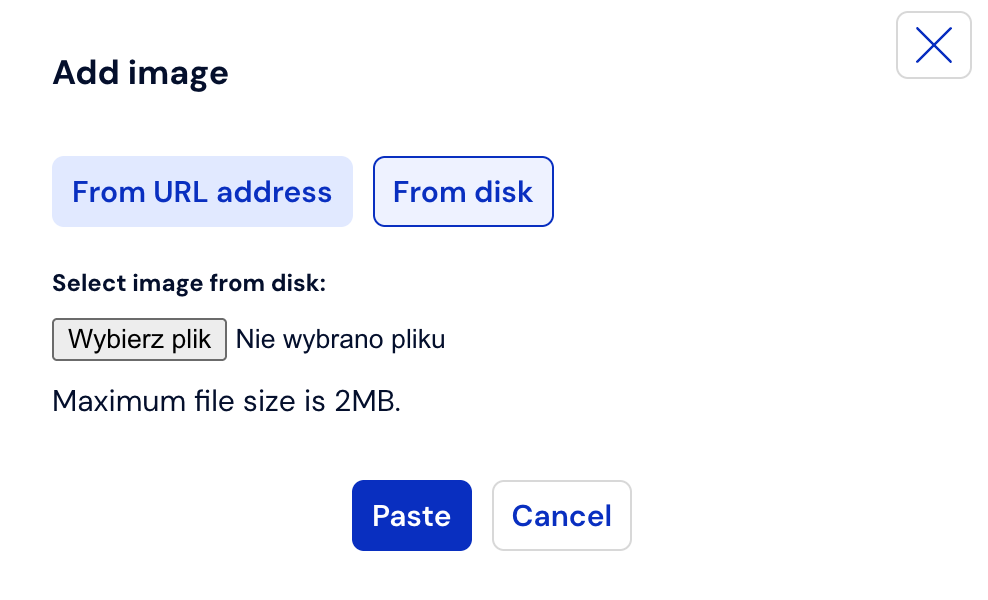
To add an image from the disk, in the advanced editing menu select – as in the previous step.
Click From disk, and then select the file and provide the location of the image on your computer's disk, then confirm the changes by selecting Insert. To cancel this step, click Cancel.
How to add HTML content?
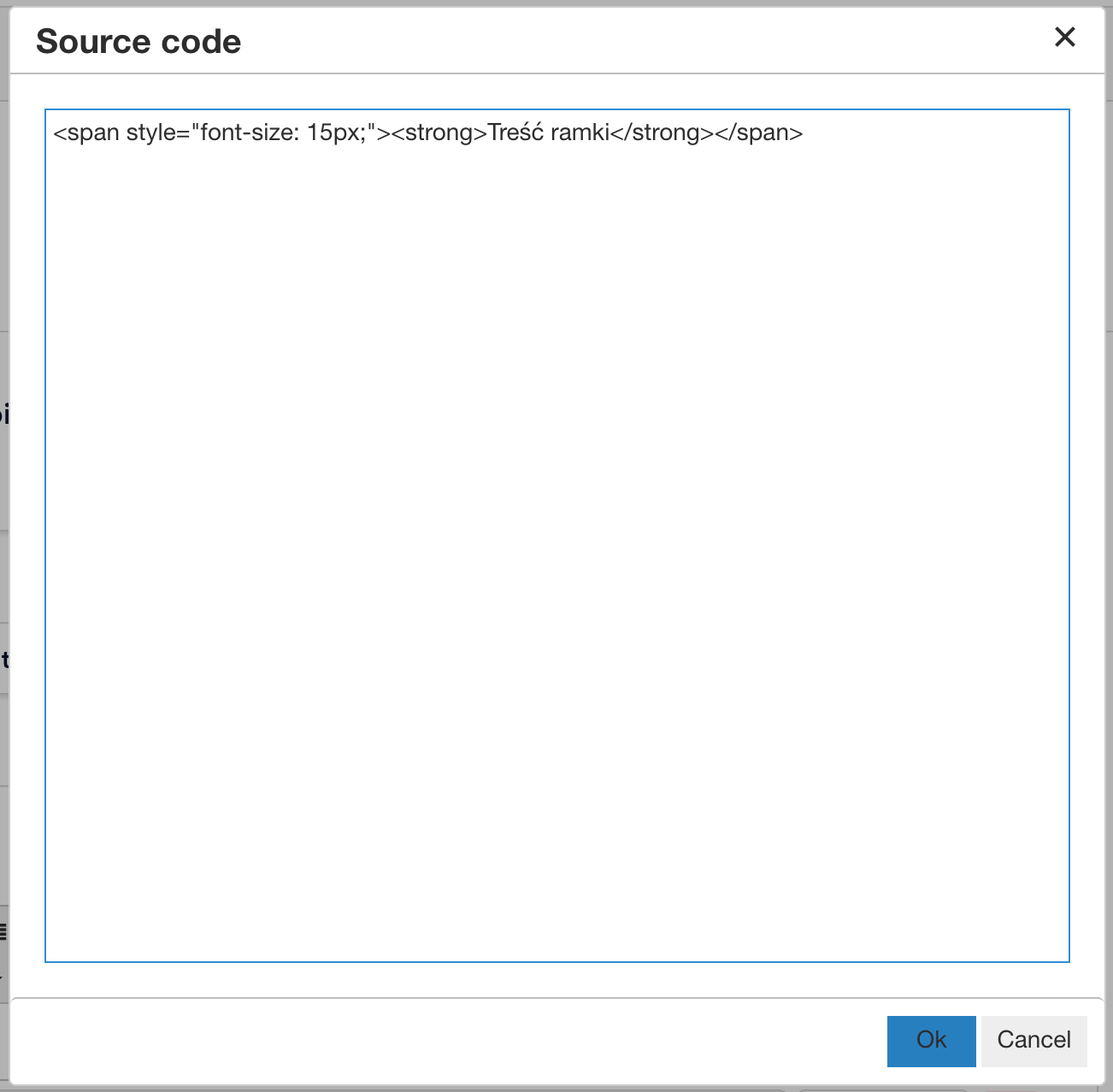
If you need a specially formatted appearance of the question, you can add it in HTML format. Click on the "Source code" icon.

Insert your HTML code (styled content) in the window. Confirm everything with the OK button.
What is worth remembering?
Remember to choose the appropriate image size. If you upload one that is too large, the survey may not display correctly. Conversely, if you choose one that is too small, it may be illegible to the respondent.
The size of the image uploaded from your own computer's disk cannot exceed 2 MB.
You can use photos located on your computer's disk or link directly to photos posted on the Internet.
Adding multimedia can take place during the creation of a question, or after it is finished, upon re-editing.
We can add sounds, graphics, and videos to all questions, regardless of their type.