
Copying an answer from another question
This feature allows you to copy a question's answer set, which we have previously created in another question, into a newly created question. This speeds up the survey creation process. It is also convenient, as we do not have to enter the same statements into individual form fields again. The most common application is copying scales (e.g., Very important, Important, Moderately important, Unimportant, Completely unimportant), which we place as answers in many similar questions.
How to copy answers from a previously added question?
Proceed exactly as you would when creating any new question:
Go to the Creation tab.
In the question menu, click: Add a question or text.
From the list of Available questions, select the type you are interested in (See which question to choose).
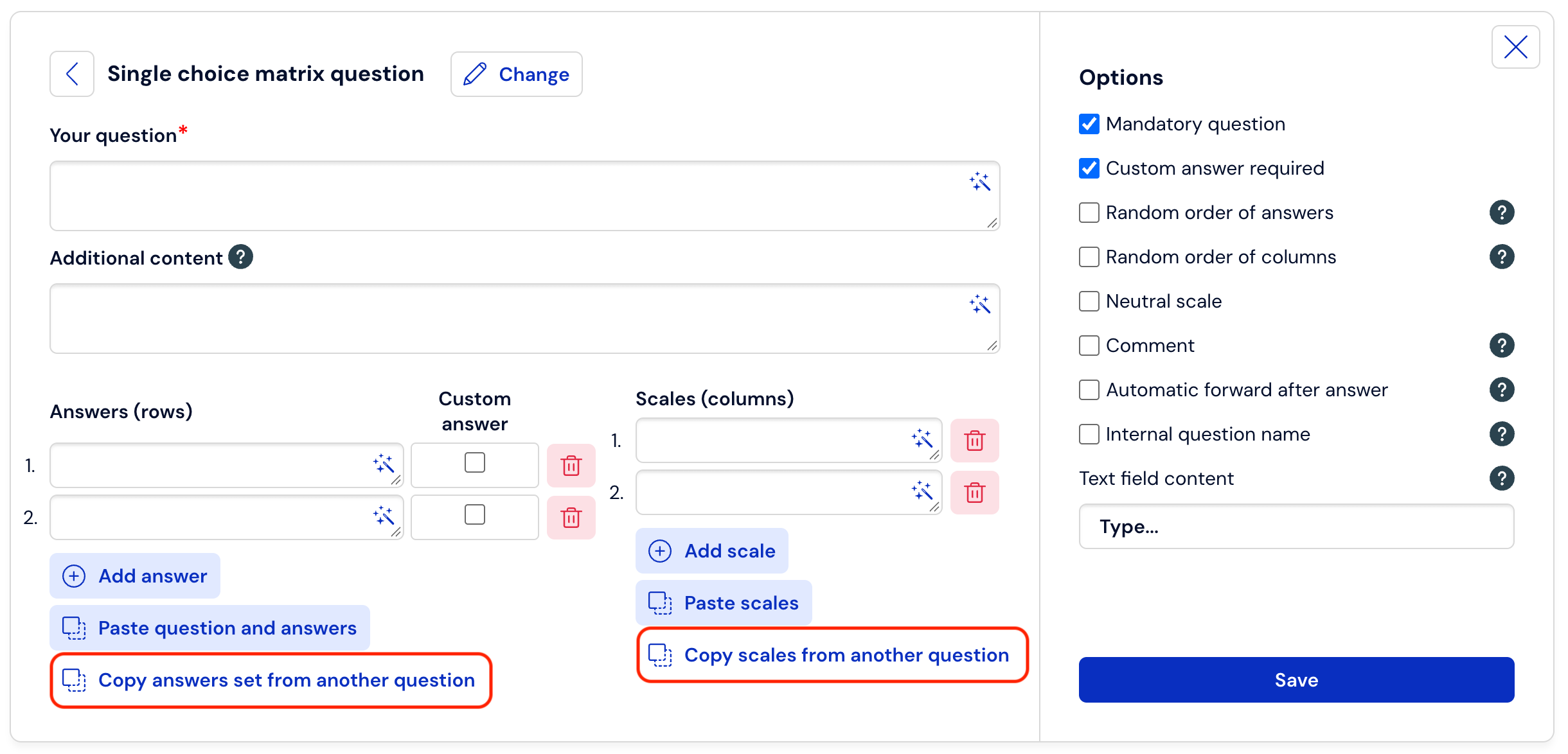
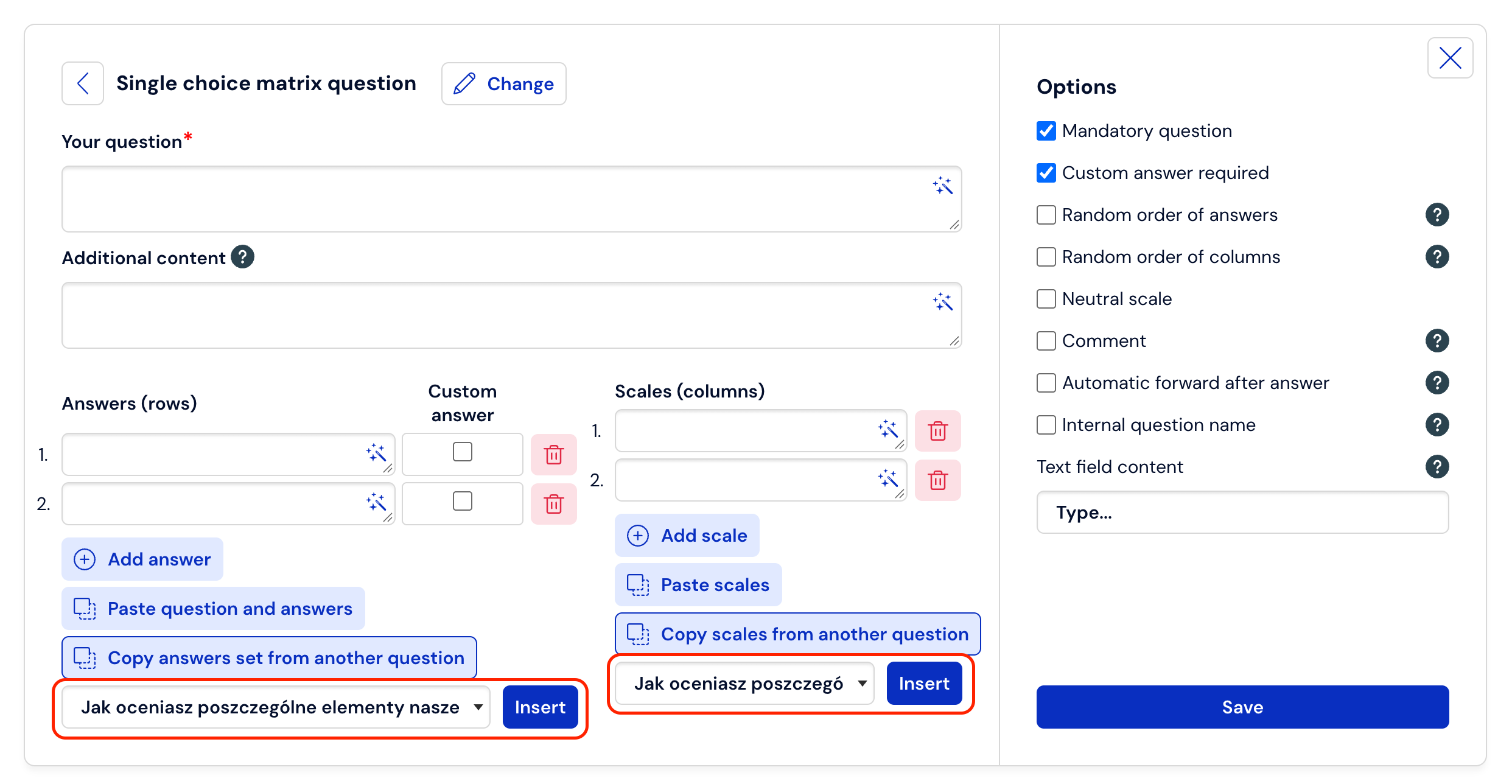
In the Question Editing menu, click Copy answers from another question, and then use the button to select the answer set used by you in another question.
Click Insert so that the selected answers appear in the form field of the currently created question.
To save the introduced changes, click Save
What is worth remembering?
You can copy answers from questions in the same survey or another survey from your account
Copying the set of previously created answers is only possible in the case of closed single-choice and multiple-choice questions, single and multiple matrix questions, and drop-down list questions.
It is worth using previously created answers if both types of questions (the one we copy from and the one we duplicate answers to) are questions of the same type.