
How to split a long survey into pages?
We have created a survey, it is practically ready, but it turned out that we have 30 questions on a page (Webankieta specialists recommend 6-7 questions per page) and we are afraid that respondents will not want to scroll the page endlessly, or that the survey will be displayed too slowly?
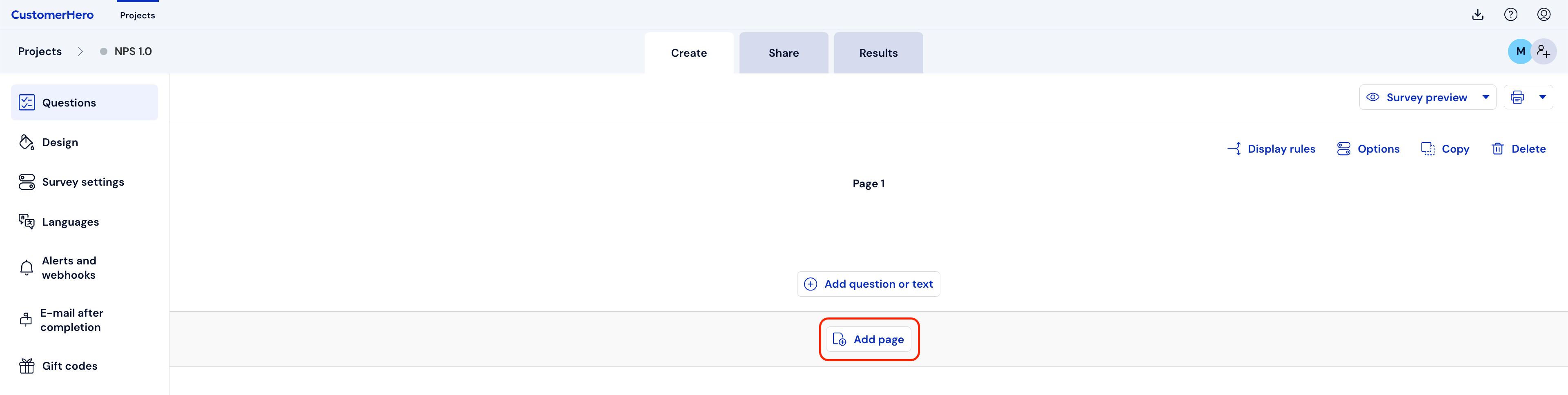
First, we add pages, we can immediately create several pages by clicking the Add page button at the bottom of the page multiple times.
Then, using the question sorting option, we can make modifications.

you should drag the questions using the drag and drop method to subsequent pages, so that there are no more than 6-7 on a page.
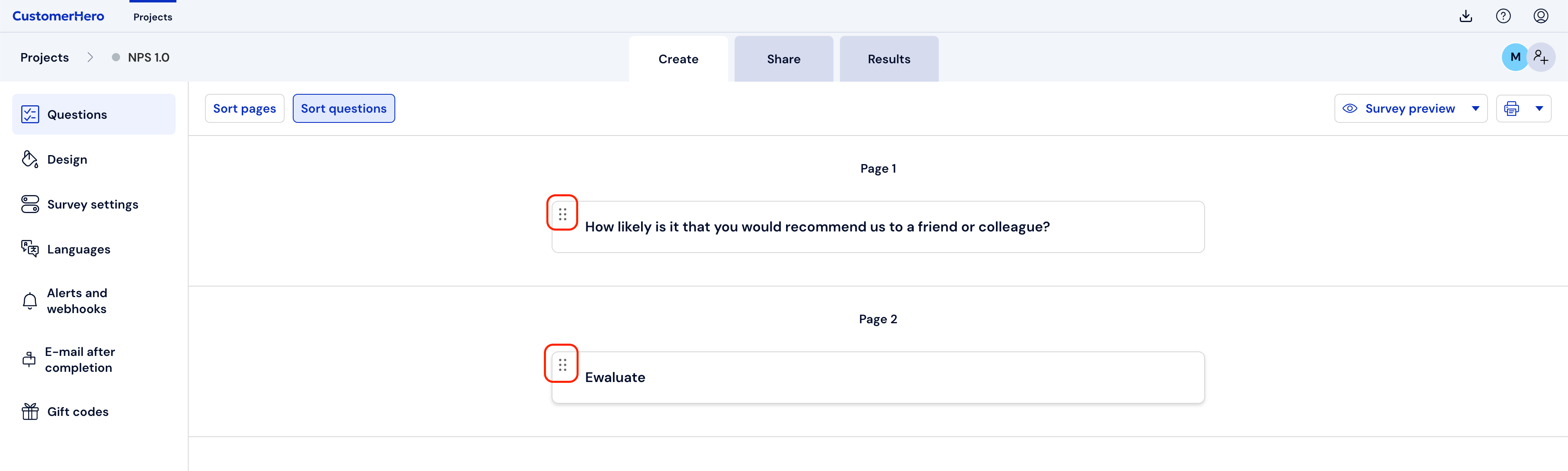
After sorting the questions, you must use the Sort questions button again to return to the Creation tab.

Done :)