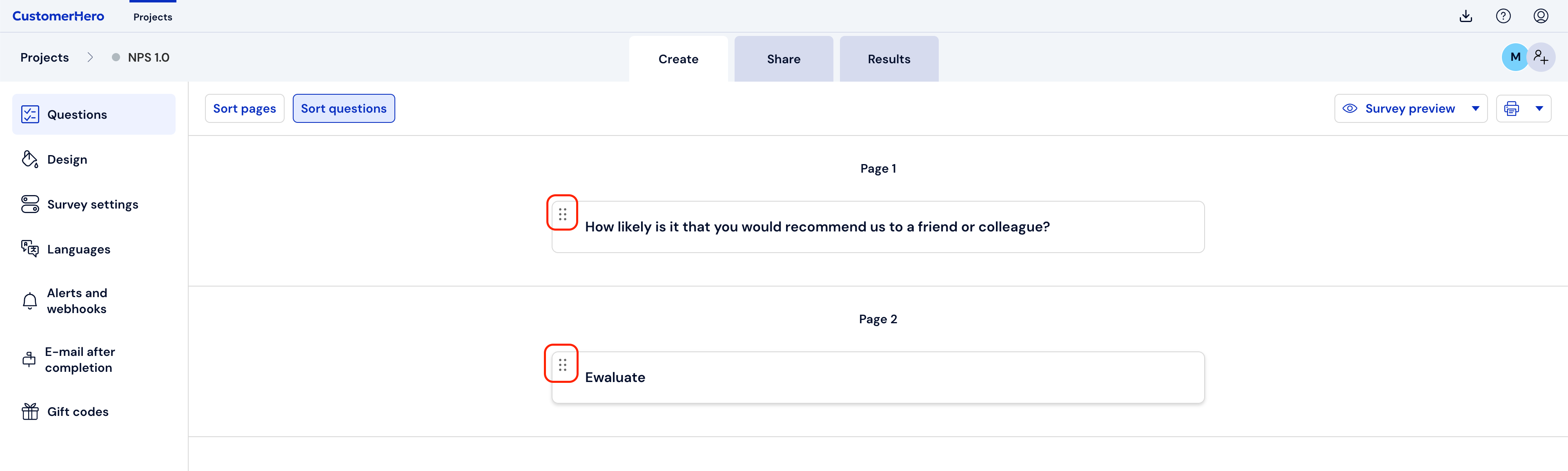
Adding pages and dividing the survey into pages
If you want to create conditional transitions between pages or if you want to increase the attractiveness of your survey by placing fewer questions on the pages, you should add additional pages to your project.
To do this, go to the CREATION tab, and then select the "Add page" button.
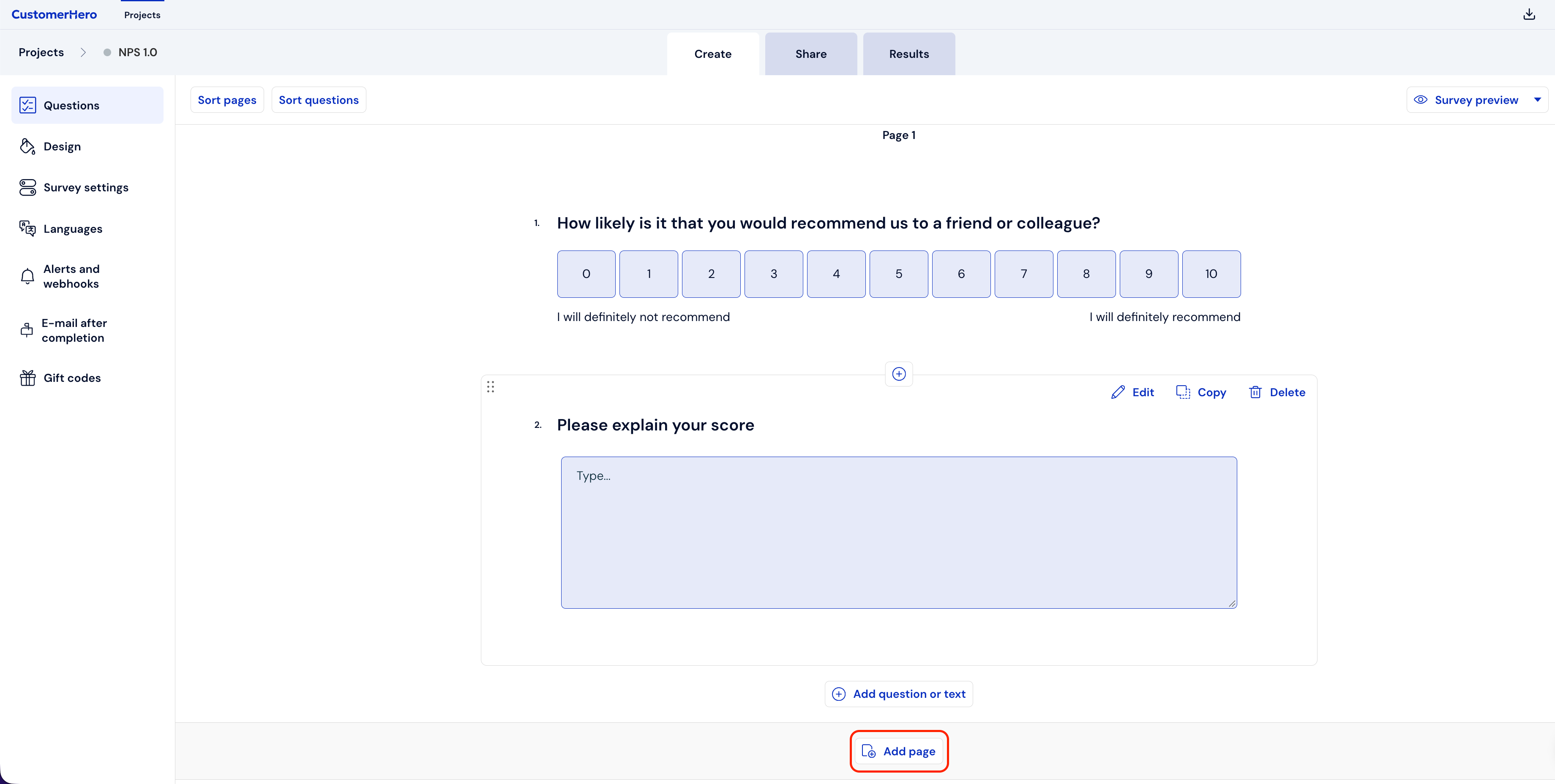
Then, in the survey creation mode, page no. 2 will appear, where you can add new questions, text blocks, or move already created questions from other pages.

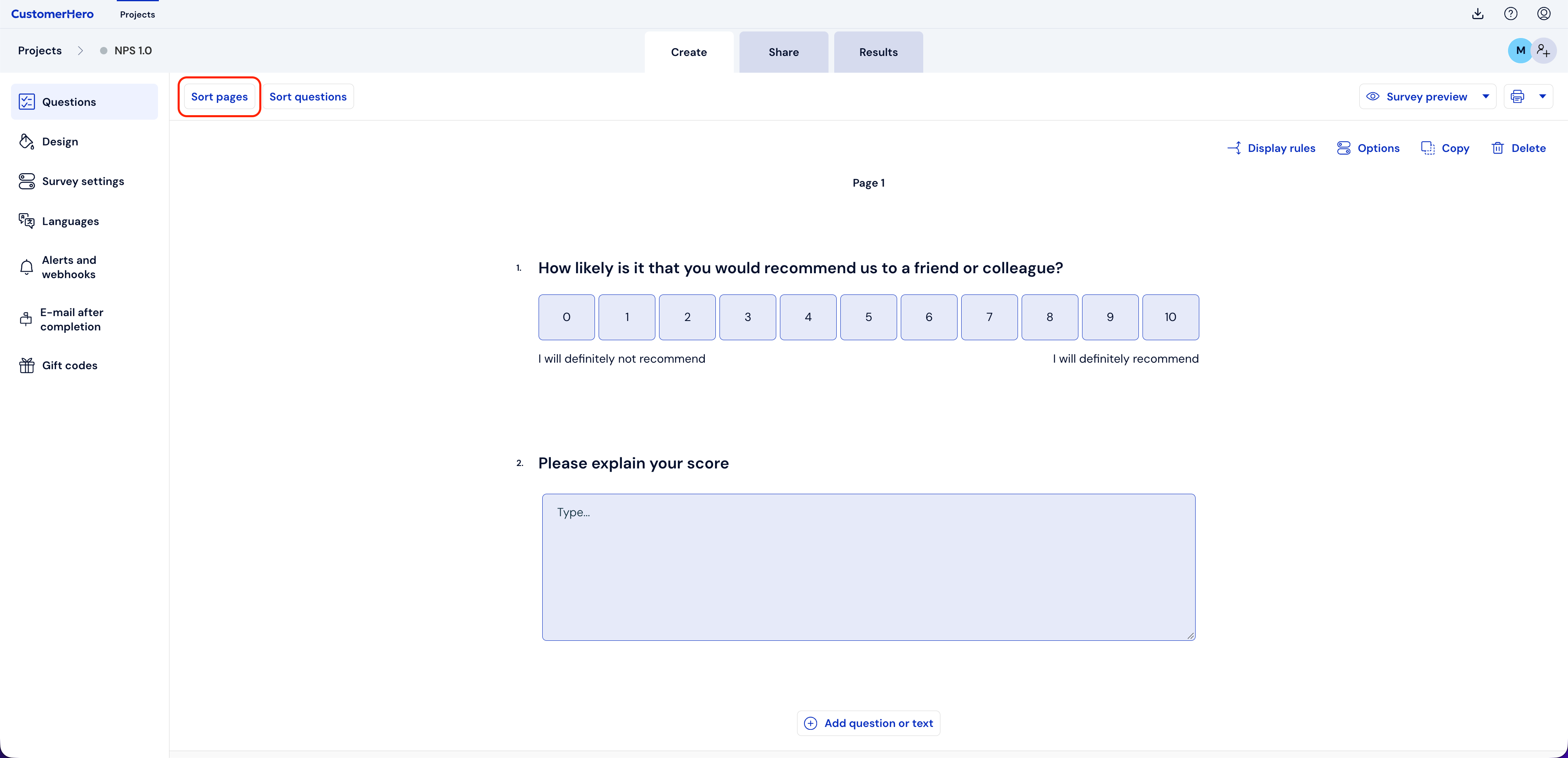
If all the questions in the survey have already been added, but the situation requires changing the order of the pages, you can go to the "Page sorting" button.
Using the drag and drop method, you can move any block of questions to another page.