
Entering your own answer to the question
It is possible to assign an additional field for typing a custom answer or expanding on it to answers in single-choice, multiple-choice, and matrix questions.
Entering a custom answer
While creating or editing your question, next to the field where you enter the possible answers to select, there is a Custom answer column. Check the checkbox next to the selected answer – just like in the example below.
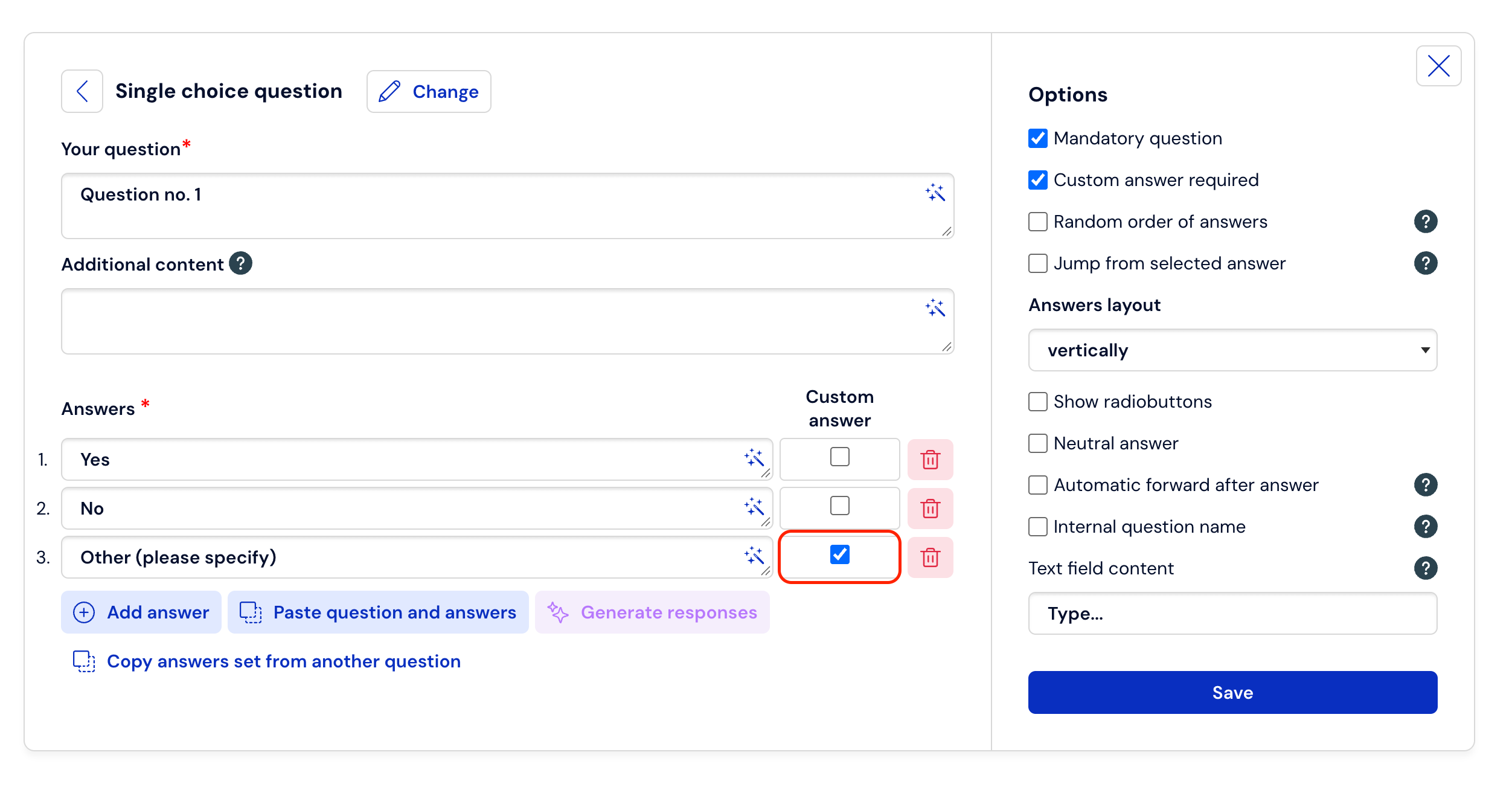
Further down, you have the option to choose whether the respondent will be required to enter their own answer, or whether they will be able to leave the space blank – to do this, check or uncheck the checkbox in the appropriate place located in the additional question options.