
Adding a new survey
You have up to three types of questionnaires at your disposal. Each type differs primarily in its purpose. For most studies, you will need a classic survey. If you want to conduct a knowledge test, a diagnostic test, or a psychological test, choose a Test. However, if you want to reach the users of your website with a study, we highly recommend a Widget.
A survey is a classic opinion poll, usually on a specific topic. The aggregated results obtained from the given answers thanks to the survey are presented in numerical and percentage terms. If you are not sure what to choose, select a survey. It works well in 95% of use cases.
A test is a survey with the possibility of assigning points to specific answers. Based on the number of points obtained, a final score is calculated. This is a technique applicable mainly in employee evaluations for HR departments, personality trait measurement questionnaires, or other types of evaluations. Additionally, in this type of study, you can define measured categories (areas) and then define the appropriate interpretation of the results, which will be the result of the entire study.
A website widget is a minimally invasive form of a survey visible on your website. The widget can appear at any defined moment. It will always contain only one question so as not to take up too much space on the screen. If you want to expand on the study topic started in the widget, you can continue the research in a full survey study. The study will be displayed in a new browser tab or on an overlay covering the website.
How to add a survey?
To add your first survey:
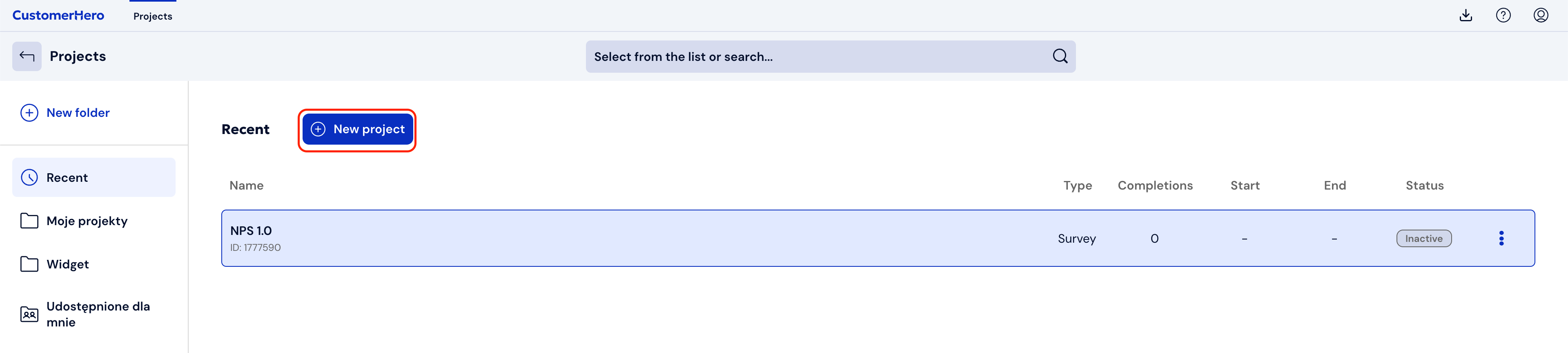
Go to the Projects tab in the upper left corner of the screen and select "Create a project". This will display a form allowing you to create a survey or test.
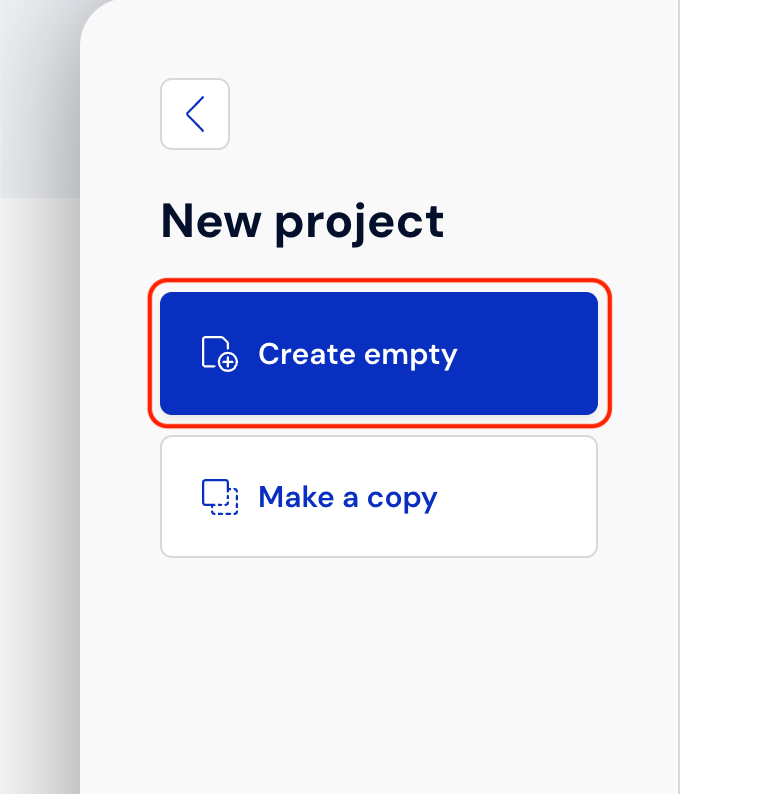
Next, select "Create blank"
From the menu on the left side, select the project form you are interested in. In this case, choose "Survey" and add its title.
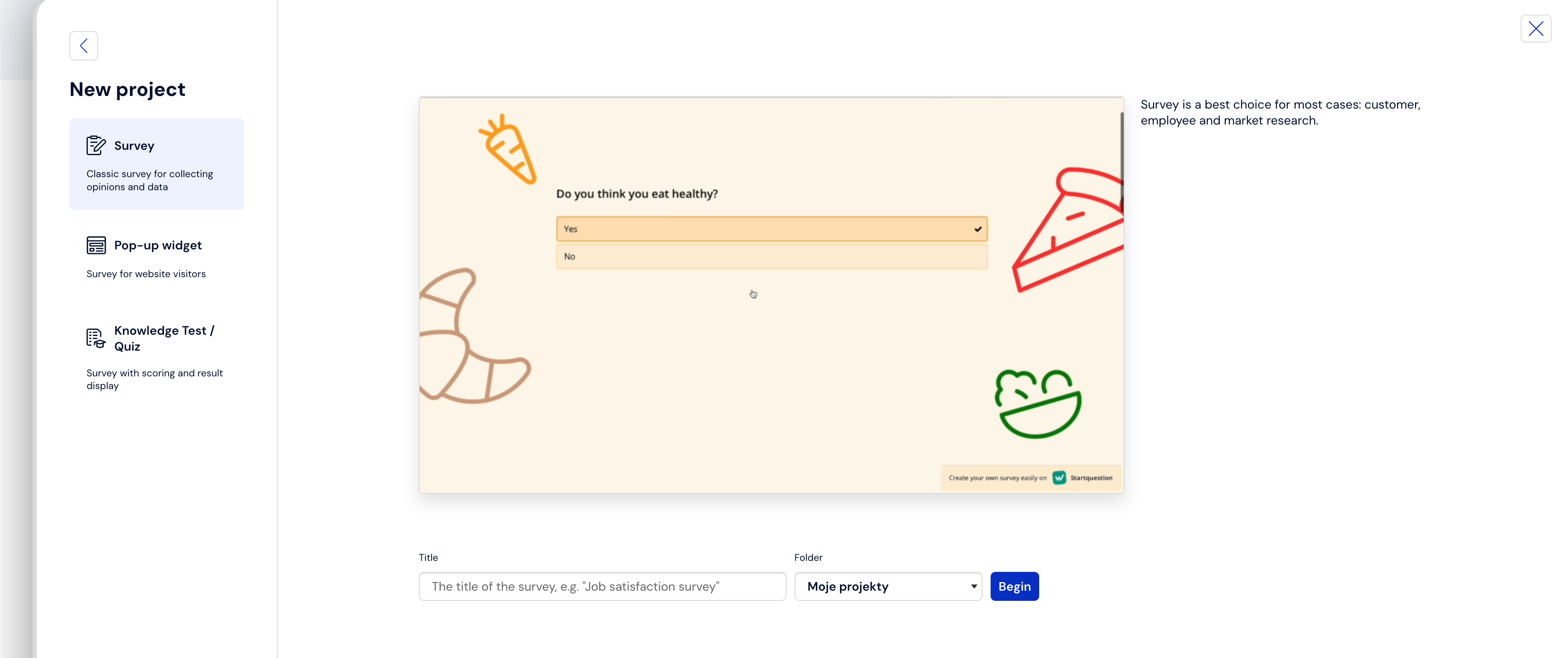
Finally, click the "Start" button:

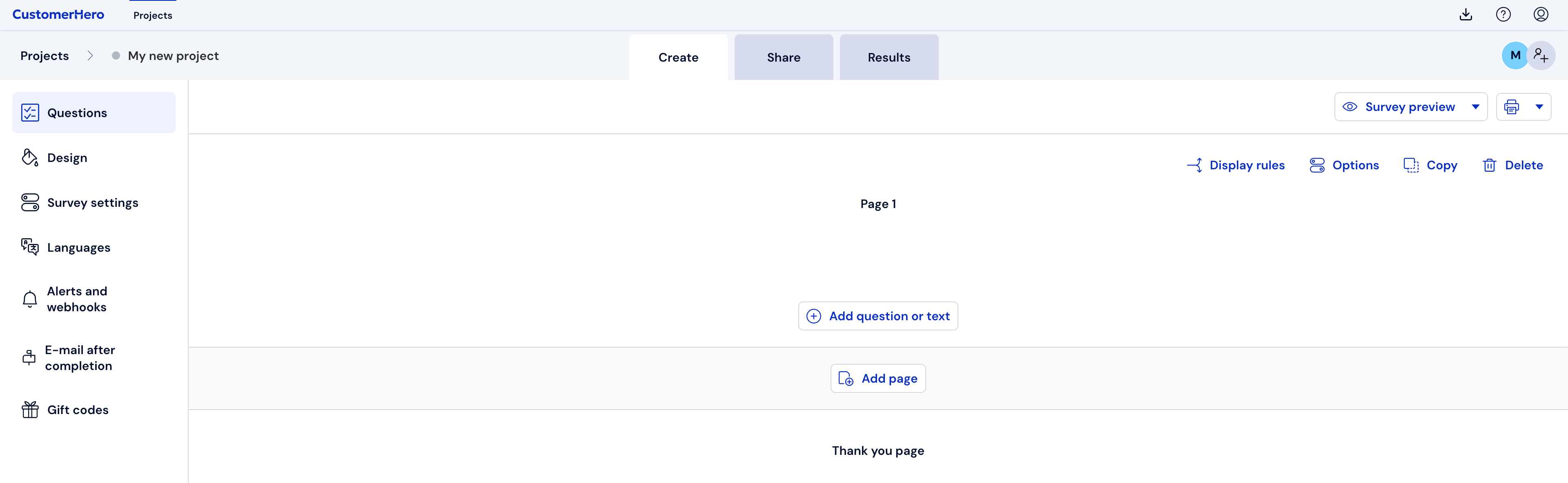
The system will take us to the "Creation" tab, where we can add the first question."
What is worth remembering?
It is important to match the type of survey to its content (this makes it easier to create and analyze later).
The survey title should be relatively short and contain the problem it addresses in the fewest possible words.
The survey title should not contain the content of the invitation to complete the survey. You will add this in the subsequent stages of creating the survey.