
Linking text or graphics in the survey
If you want to place a link to a website under text or under a graphic in your study, you should go to the question editing. Then, after adding text, we select the advanced editor icon.

After expanding the editor, we select the text and choose the "Insert/edit link" icon.
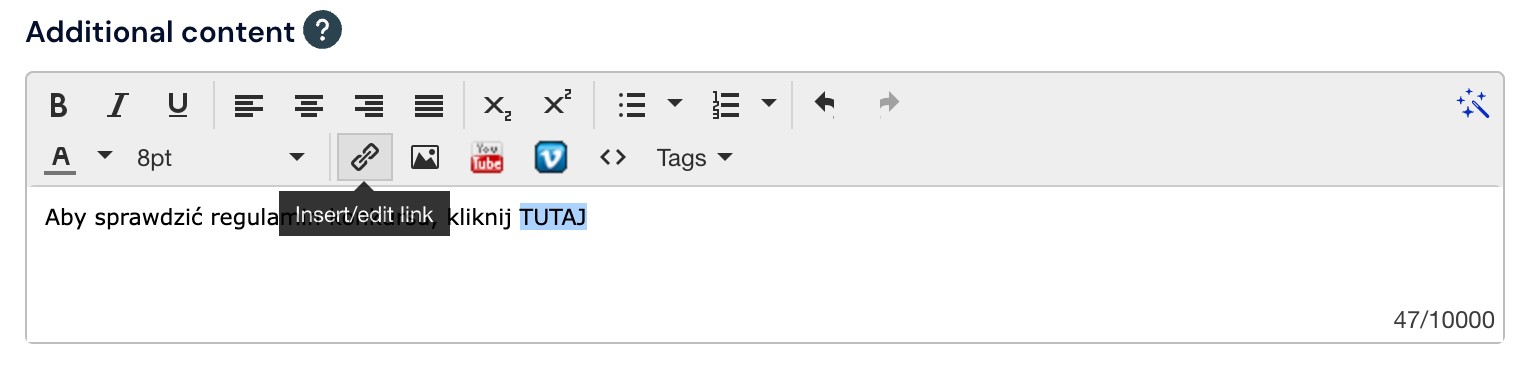
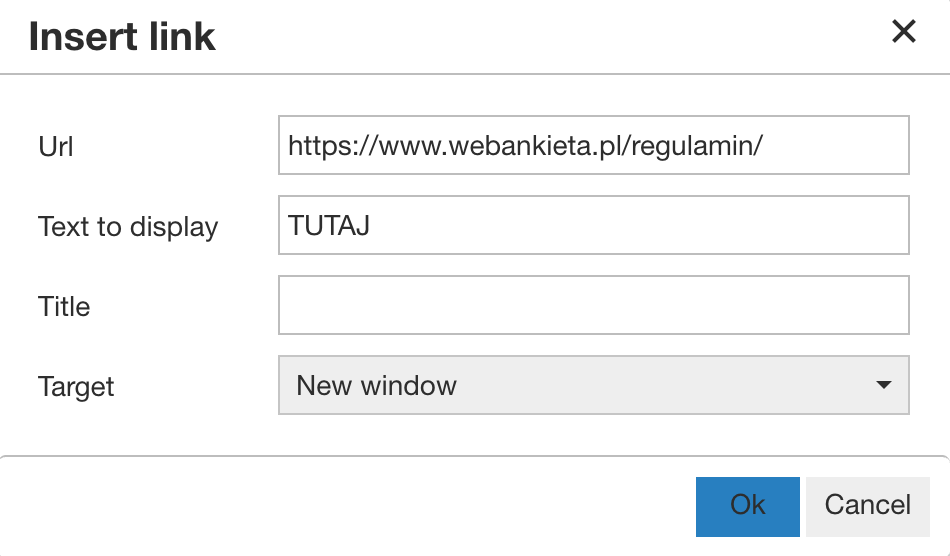
In the URL field, we add the link to the page to which the respondent should be redirected after selecting the button.
What is worth remembering?
When our page is an internal link that is published and available only within the organization/company and is not publicly accessible, a situation may occur where after adding the link and saving the hyperlink, a # will appear under the text or graphic.
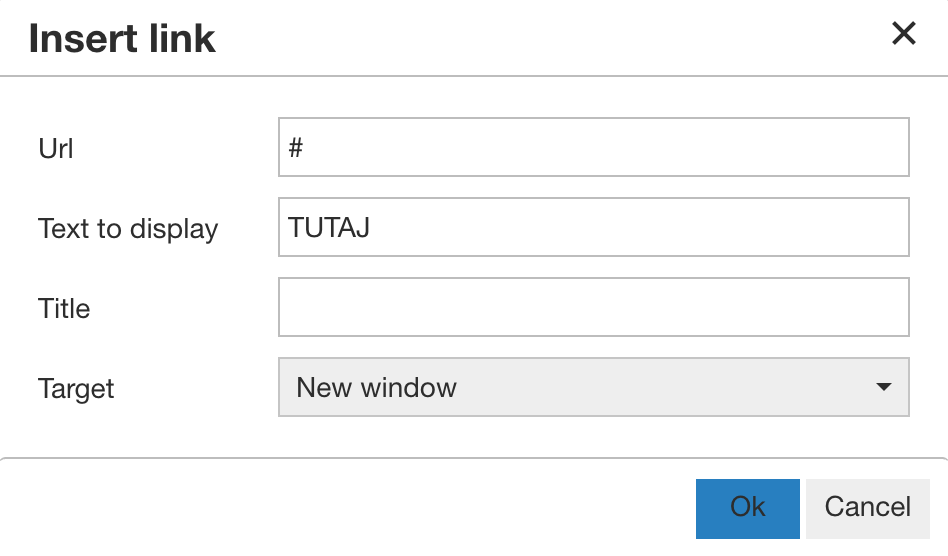
This system behavior is dictated by system security and pinging the IP of the page to which we want to direct the respondent. In order to properly add a link to internal resources, it must be shortened using services available on the web, e.g.: https://tiny.pl/
We add the shortened link again in the URL field and save.