
How to download a color code for a survey theme
If you want to create a survey in your company's colors, you can easily do this using tools available on the Internet. Examples of tools available in the browser are Colorpick and Colorzilla.
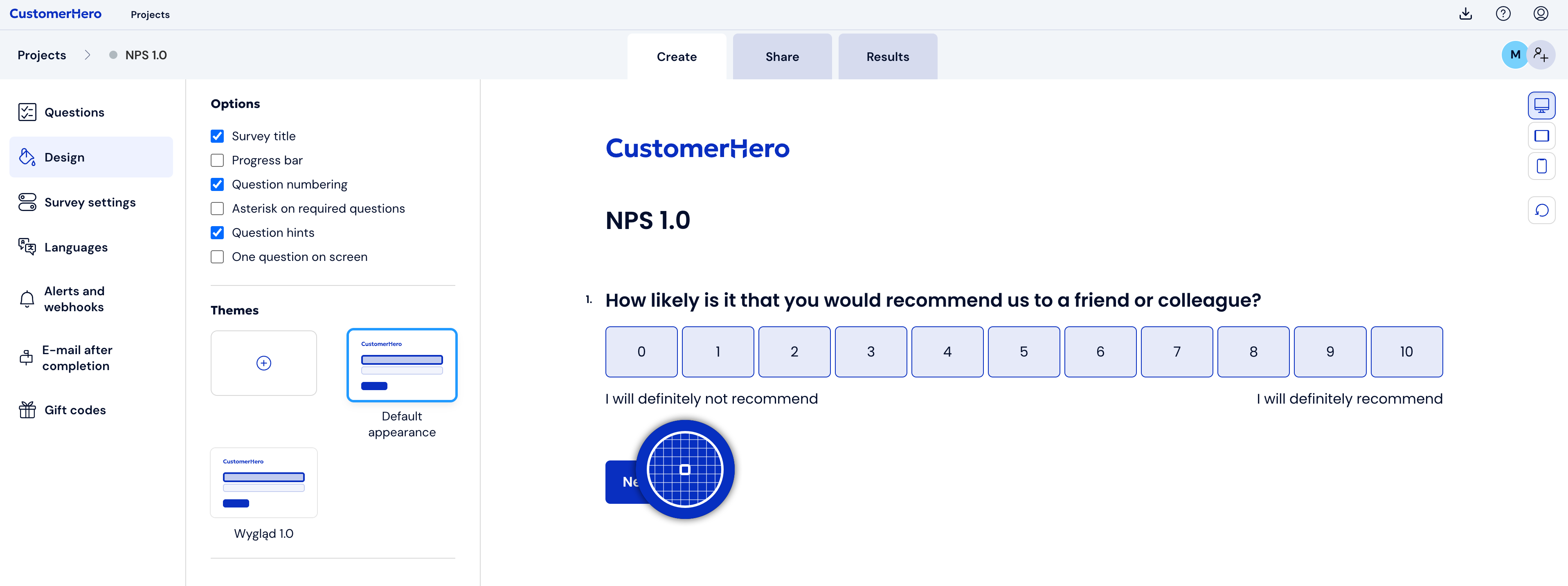
After downloading and installing the plugin, click on the eyedropper icon - it will allow you to select a color from the page:
After hovering over the selected element, just click on it with the mouse - the color code will automatically copy to the clipboard. The copied code should be pasted in the selected place in the style.
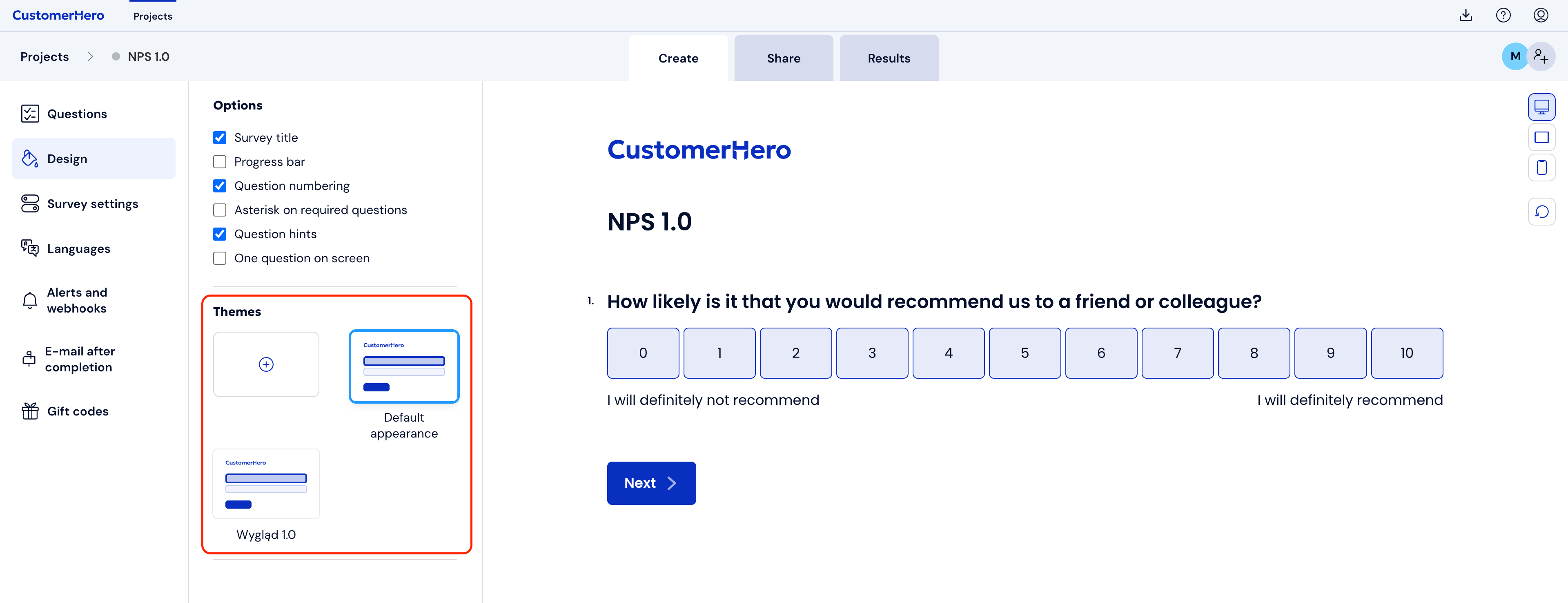
Style personalization is done in the Appearance -> (+) New tab or after entering the style editing mode.
After selecting the element whose color we want to change, we paste the color code into the appropriate field:
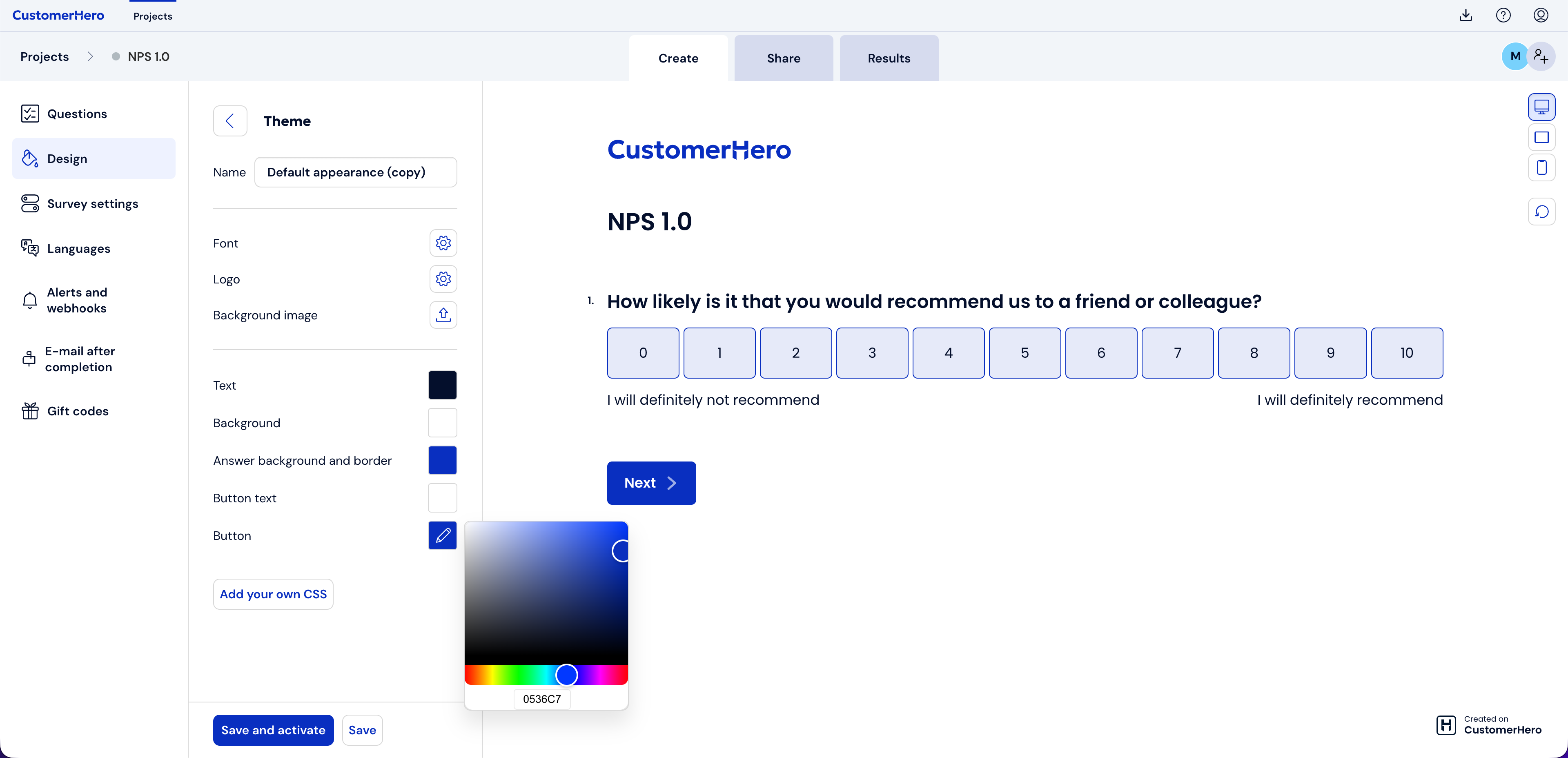
Remember to save the changes after setting the colors - the changes will not be saved automatically.