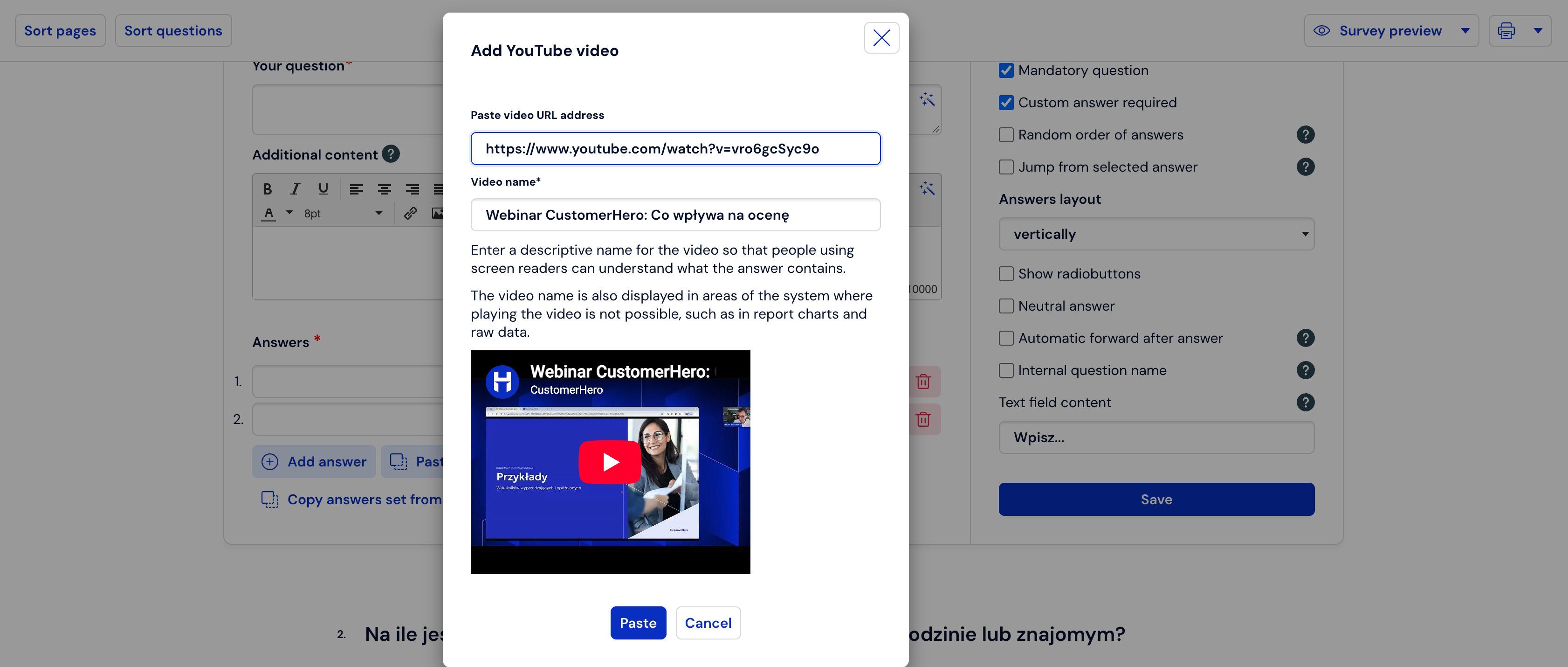
Embedding YouTube Videos
Have you created a new promotional video for your company? Or maybe your product just got an advertising campaign on YouTube? In such cases, it is worth checking how the audience reacts to the content you publish. Thanks to CustomerHero, you can do this in a simple way – by attaching the created video directly to the survey content – without having to redirect respondents to the YouTube website.
Simply go to adding a new question from the Creation tab. Select the question you are interested in (single-choice, multiple-choice, matrix, etc.) and in the additional content field, click on the magic wand:
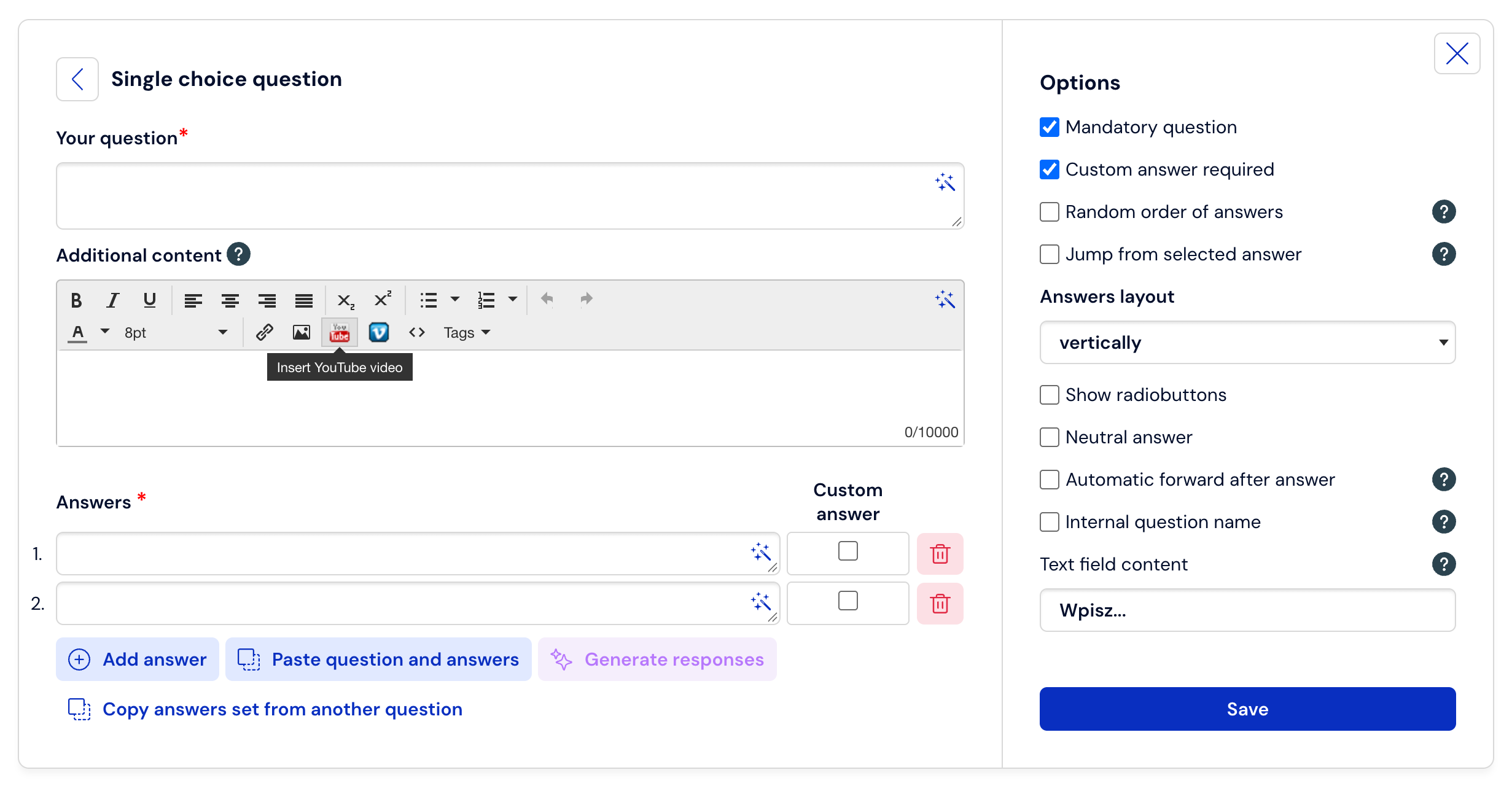
Next, click on the YouTube icon and paste the address of your video. The final result may look like this: