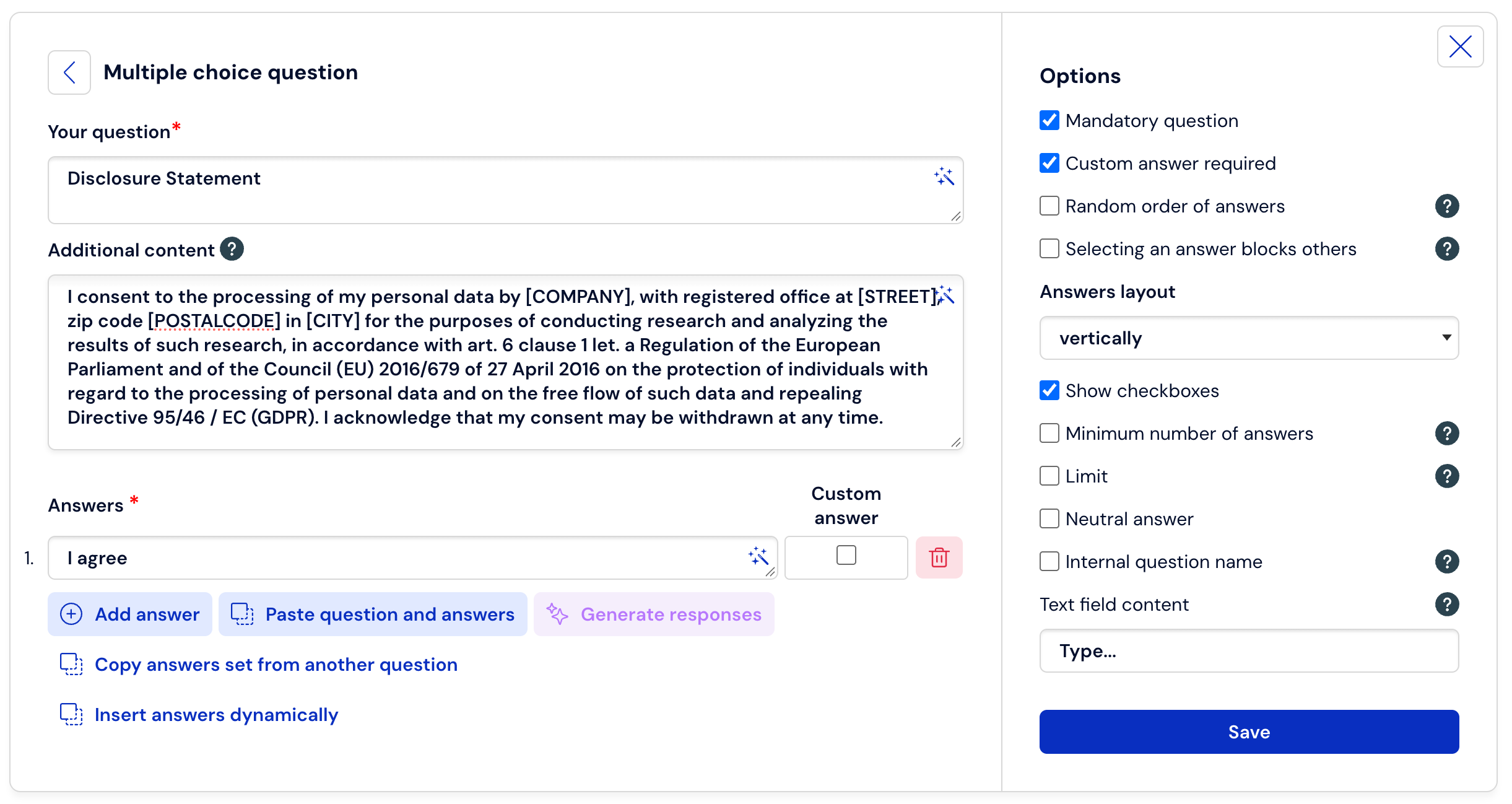
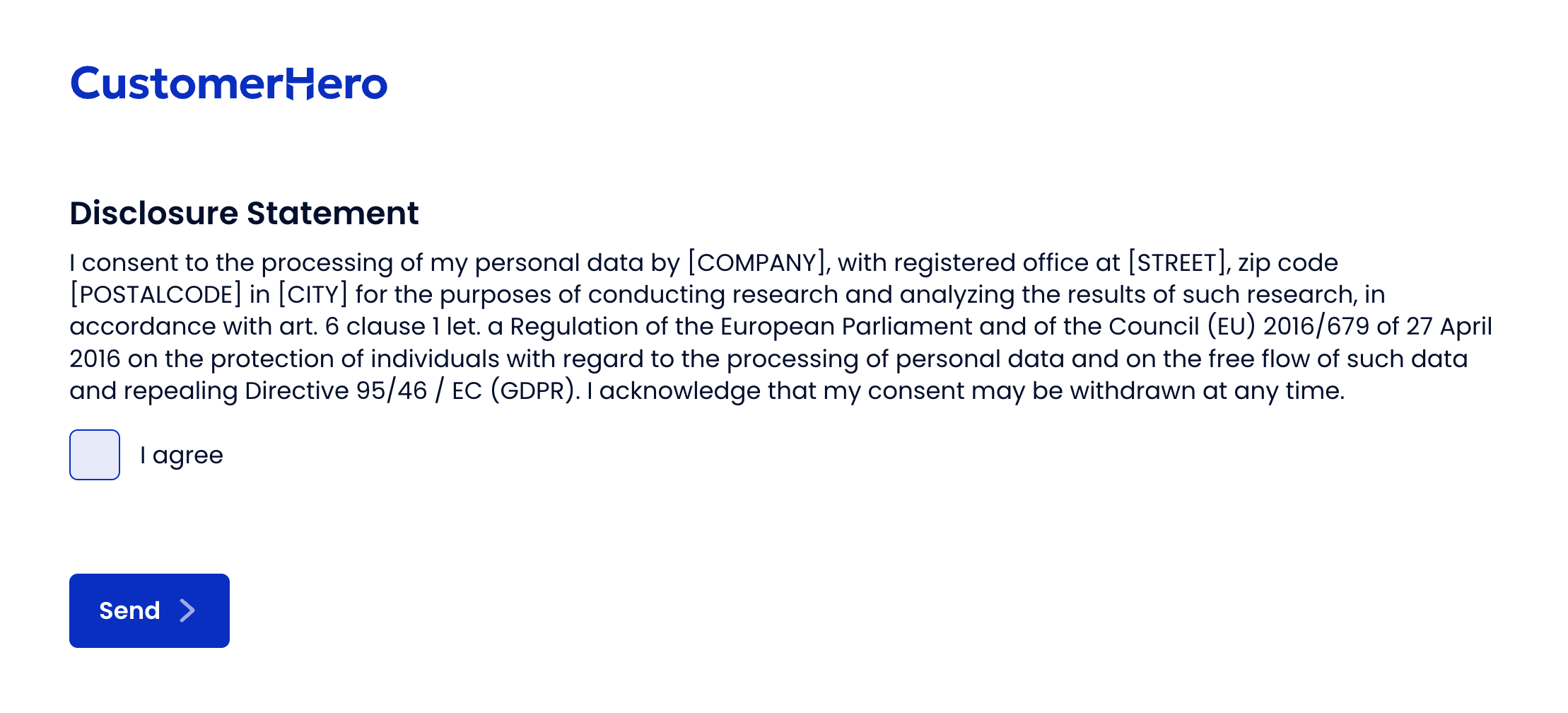
How to change the content of the consent for the personal data processing?
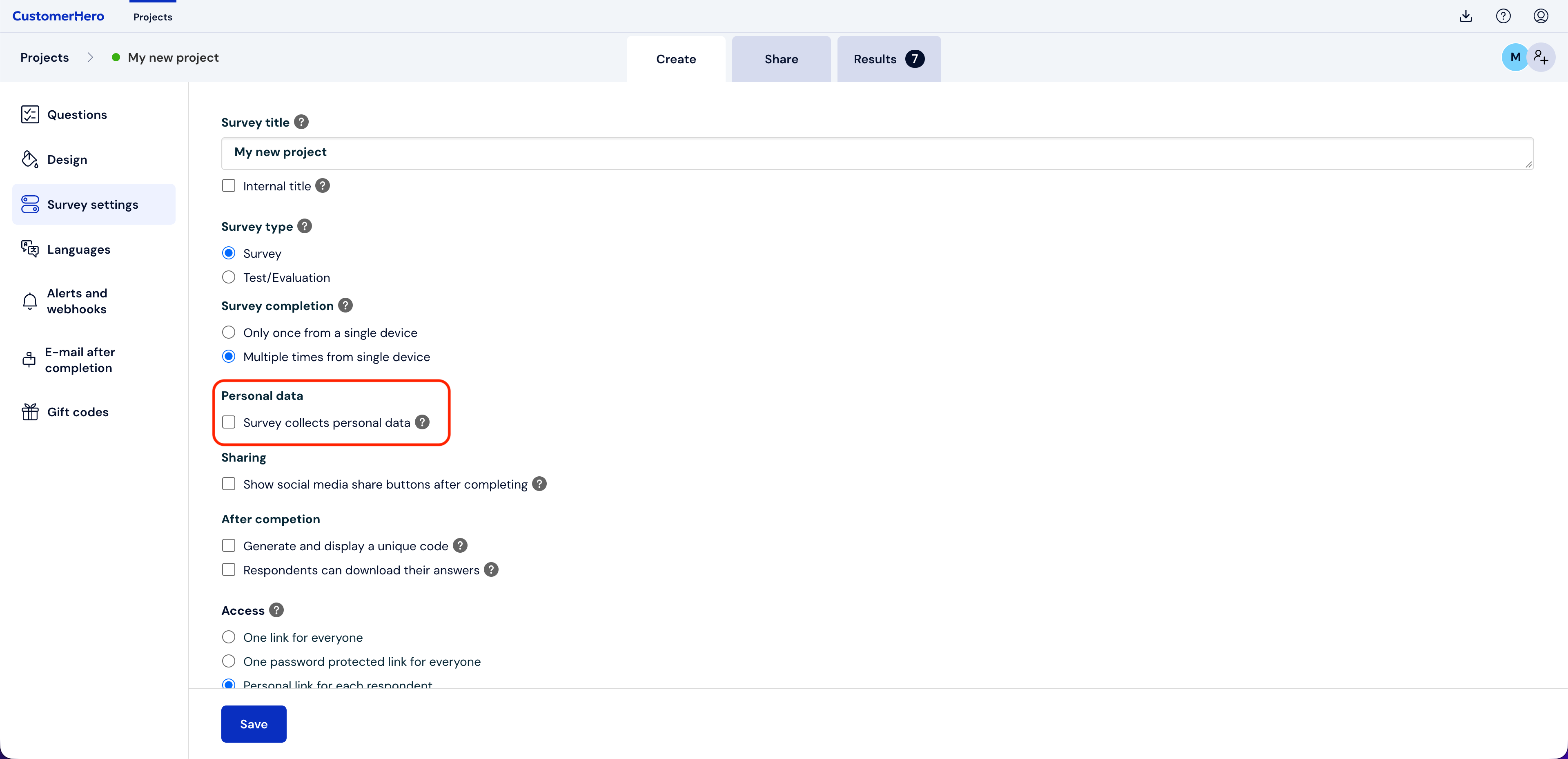
After checking the option below, personal data will be collected in the survey:
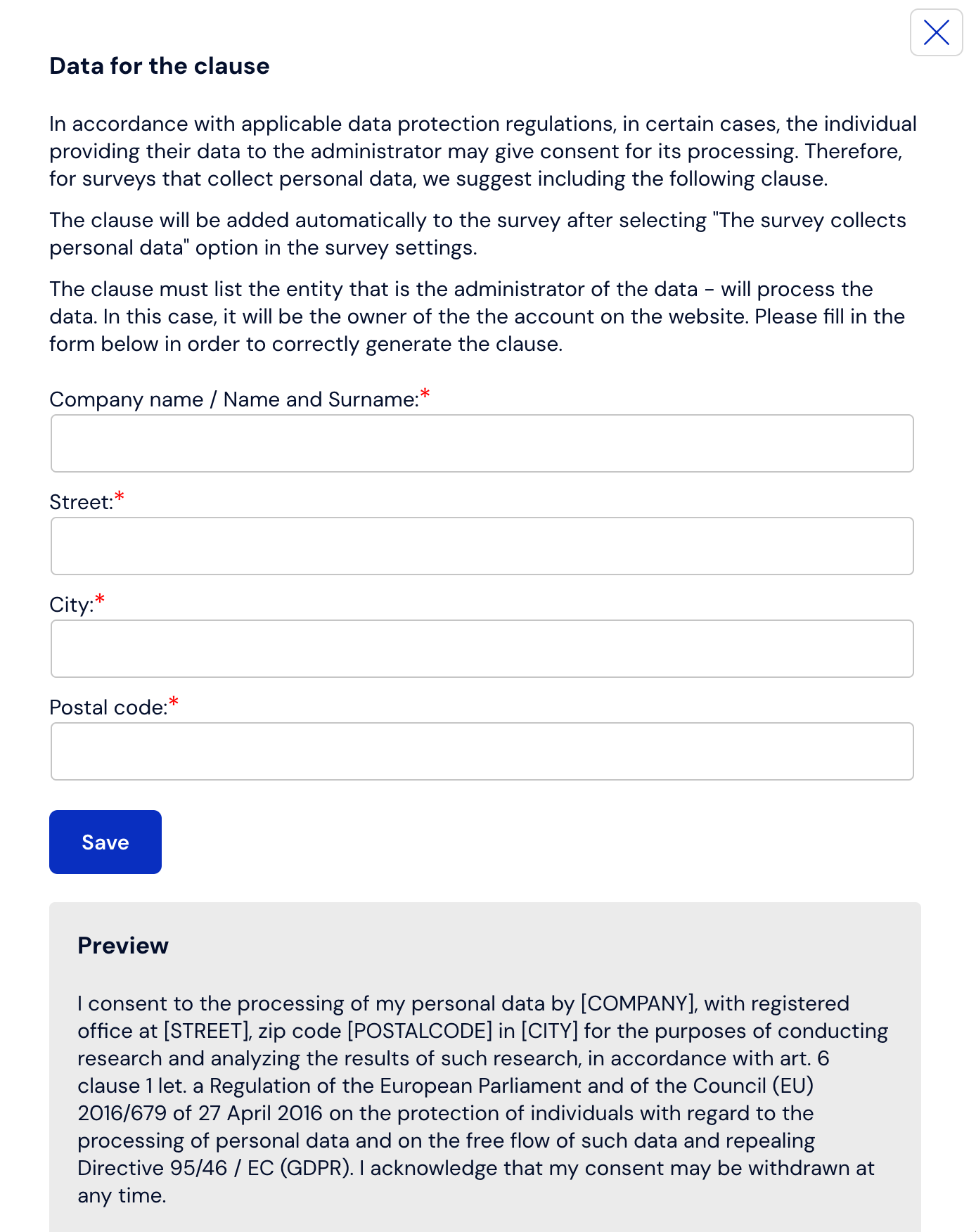
After enabling it, a window will appear asking you to fill in the data:
However, if you want to use your own information clause, use the instructions below.
Step 1: Disable the default clause (if it was previously enabled)
Open your survey in edit mode.
Find and uncheck the option "Personal data is collected in the survey".
This disables the automatic insertion of the standard consent content.
Step 2: Add your own consent question
Add a new single-choice question.
Set this question as mandatory.
Leave only one available answer (e.g., "I consent", "I agree").
In the question content, enter your modified text of the consent clause that you want respondents to accept.
The clause you entered will look like this: