
Random order of displaying questions
How to set up random question display?
After you finish adding survey questions, select the Creation tab, and then Survey settings.
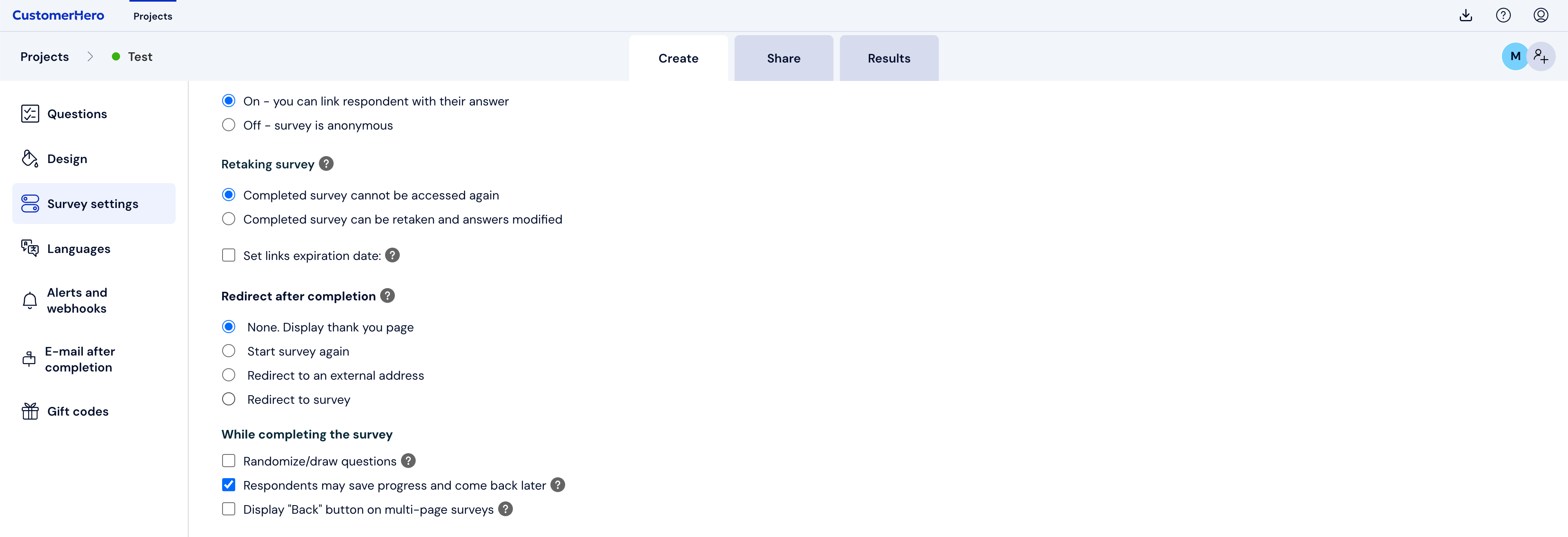
Scroll down to the "While filling out" section and check the "Introduce a random element" option

Select the range of pages that will be displayed randomly. Thanks to the drop-down lists, you can choose to have only a few pages displayed randomly, while e.g., the first and last ones will always be in their place. Next, scroll down to the bottom of the page and save the changed survey settings.
What is worth remembering.
Since survey pages are randomized and not individual questions, it is necessary to create the survey in such a way that each question is on a separate page.
You cannot direct respondents to pages displayed in a random order from filtering questions. For such a redirection to be possible, pages must be displayed in a fixed order.