How to redirect the respondent to an external website after completing the survey?
If you want to show the respondent another page instead of the thank you screen, it is possible to redirect them to an external website.
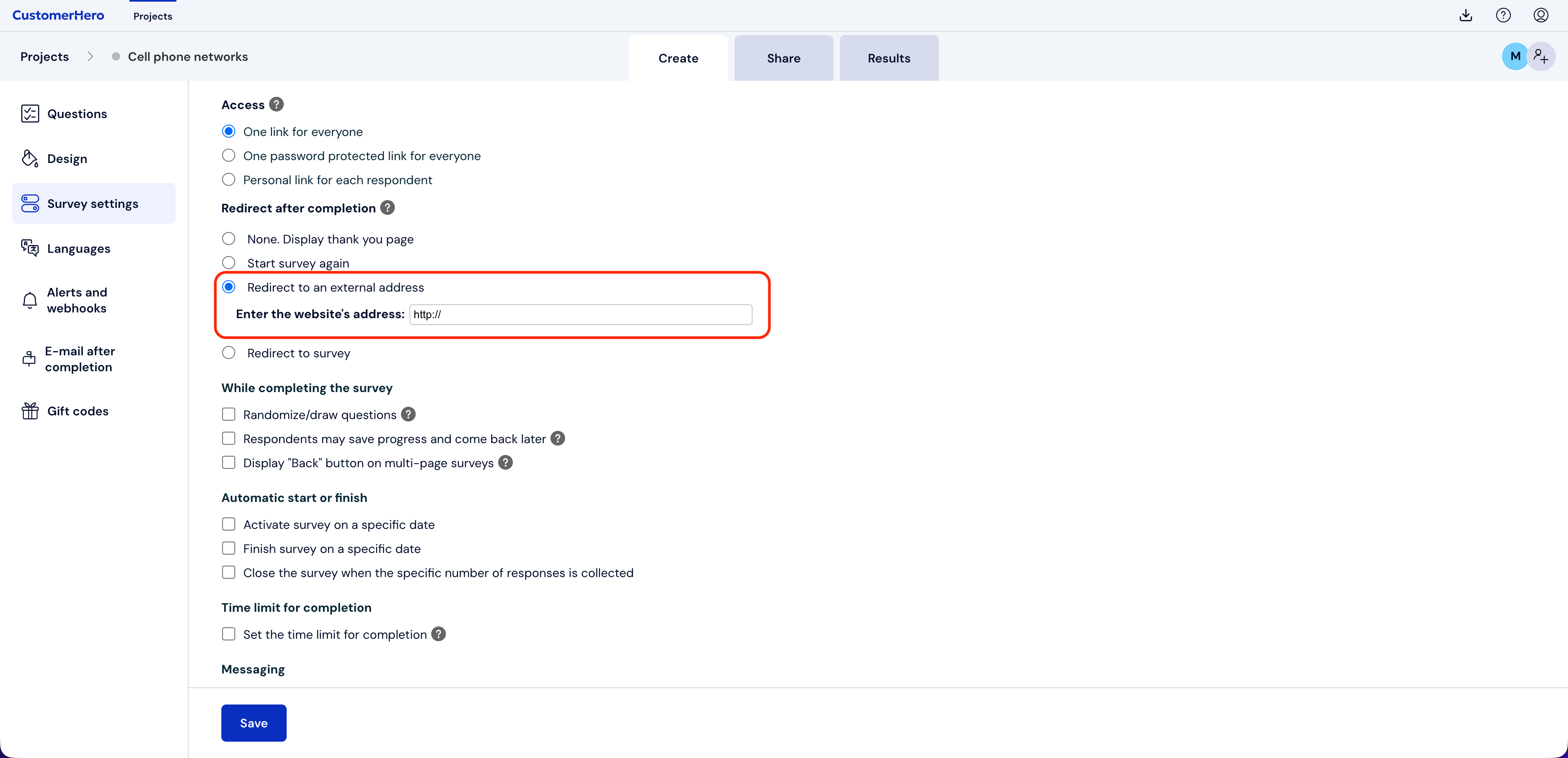
To do this, go to the "Creation" tab and then select "Survey settings". Find the "Action after completion" section and check the "Redirect to an external address" option. In the website address field, enter the url address to which the respondent should be redirected after completing the survey.
Finally, select the SAVE button.