
A button to complete the survey - a sticked invitation
A website survey standardly displays in the form of a window on the website. However, we do not always want the survey to appear immediately after entering the page - the survey can be displayed only after clicking a button visible on the page - just like in the picture:
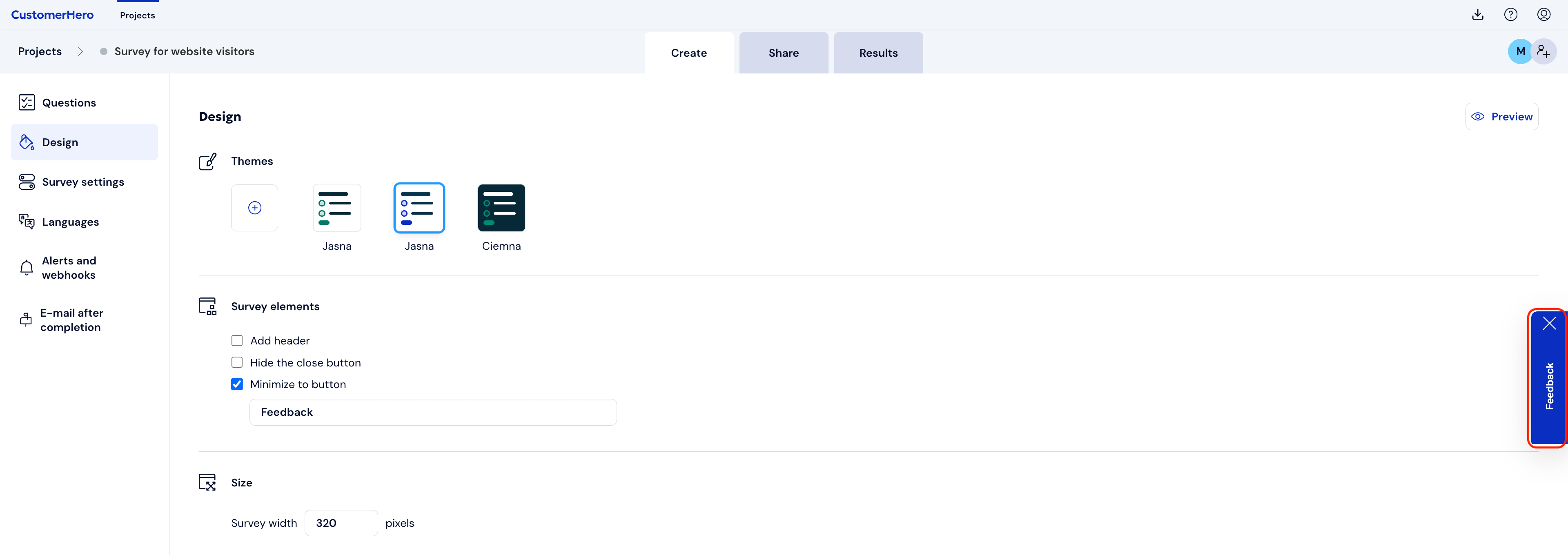
A button has appeared in the bottom right corner, after clicking which a survey appears in the form of a pop-up:
If you want to add such a button to your website, follow the list of steps:
On the created widget, go to the Creation tab, and then Appearance.
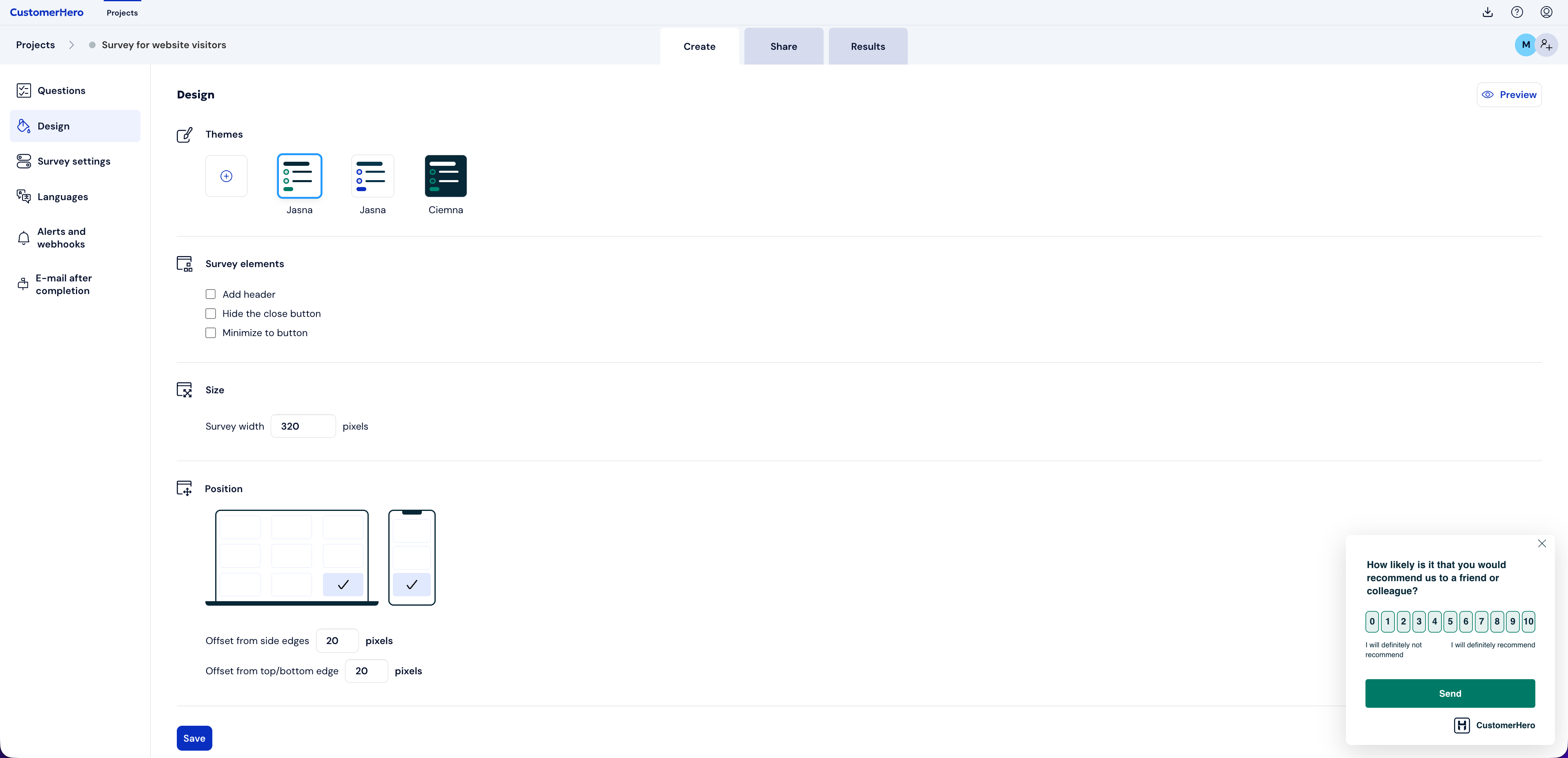
In the Survey elements section, select the Minimize to button option.
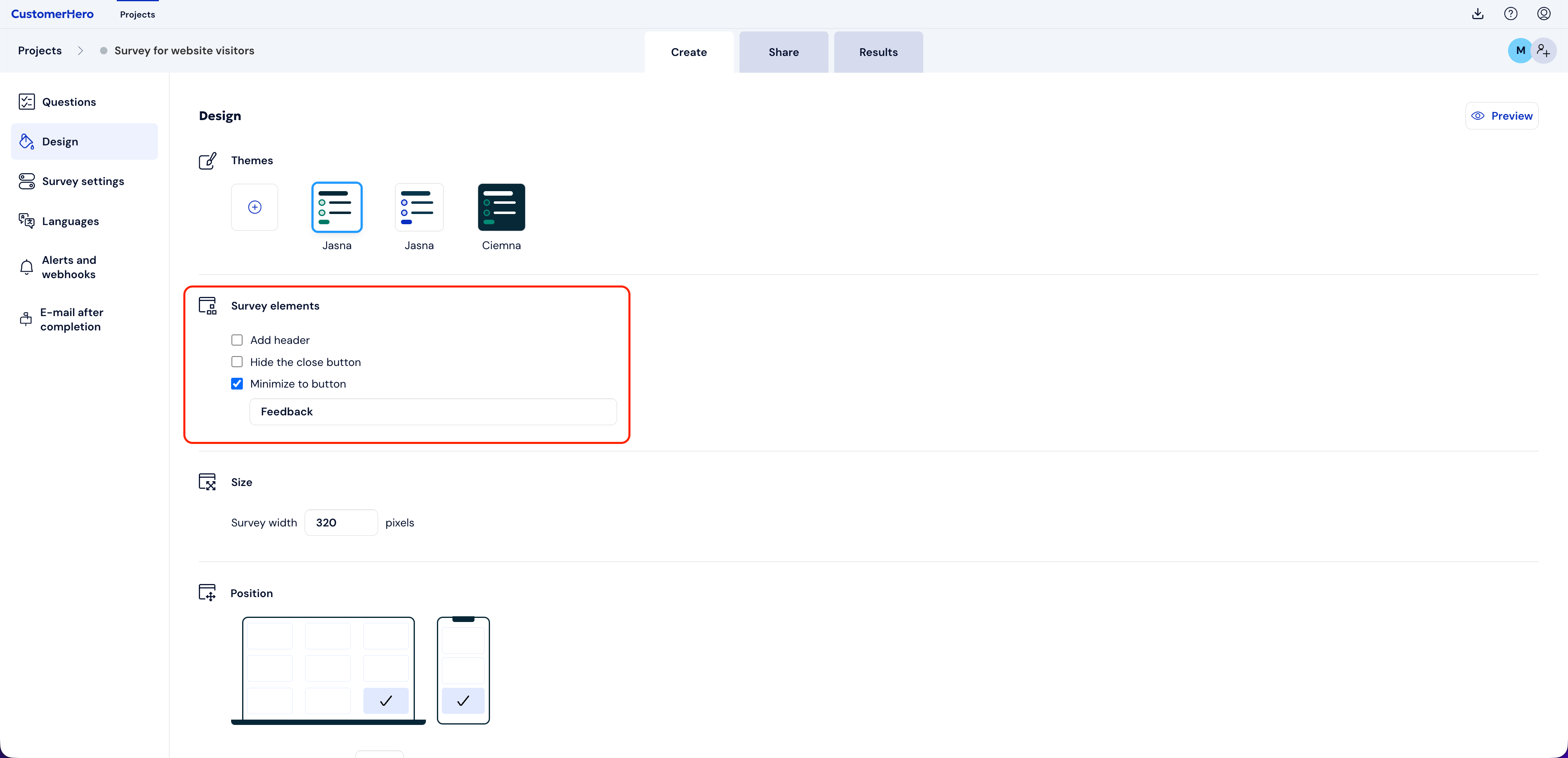
After checking the above option, a field will appear allowing you to define the content displayed on the button - fill it in, e.g., by entering "Feedback", "Your opinion" or "Fill out the survey".
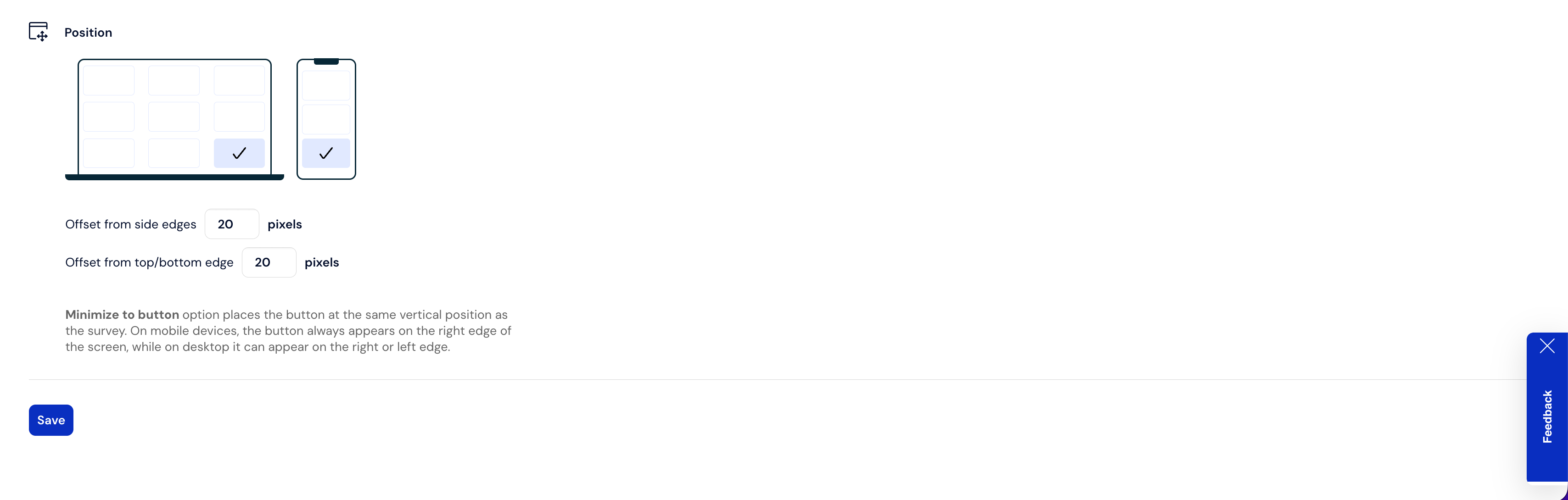
Define where the button should appear on your page using the Position on page section
Add the widget code to your website using the instructions available here