
Periodic surveys
You no longer have to remember to restart the survey. It will appear on the website for the number of days you choose, and you can focus on drawing conclusions from the collected data.
A new feature in the website survey (pop-up) will allow you to conduct cyclical research, e.g., user satisfaction, interface usability, or NPS measured on a website.
To set it up, simply go to the Share → Survey behavior tab. Here you can specify how often the survey will be displayed on the website.
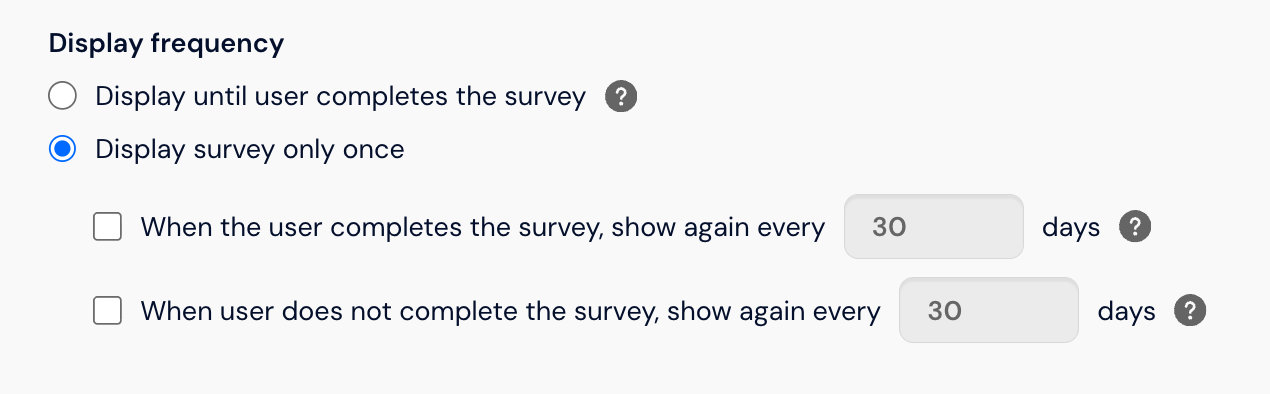
Thanks to this feature, you can choose how often the survey should be displayed on the website, both when the user completes the survey and when they do not complete it.
When is it worth conducting cyclical research?
When you want to measure customer satisfaction and loyalty over time using cyclical CSAT and NPS surveys.
When you want to improve the performance of your website by continuously collecting feedback from users.
When you want to understand how the perception of your brand changes.
When you want to enable respondents to fill out the same survey after a specified time.
How to enable the cyclical research feature?
The feature can be enabled in a website survey by going to the Collection tab, and then Survey behavior.
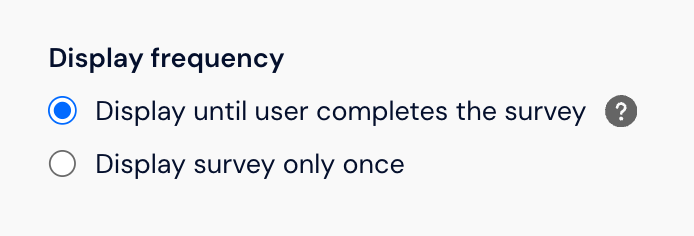
First, decide whether you want the survey to be displayed until the user completes it or only once.
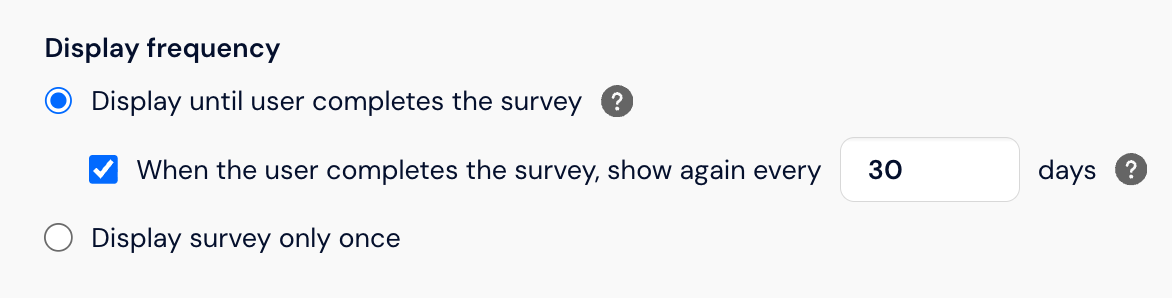
Next, check the "Show again" option and decide after what time you want the survey to appear, e.g., every 30 days.
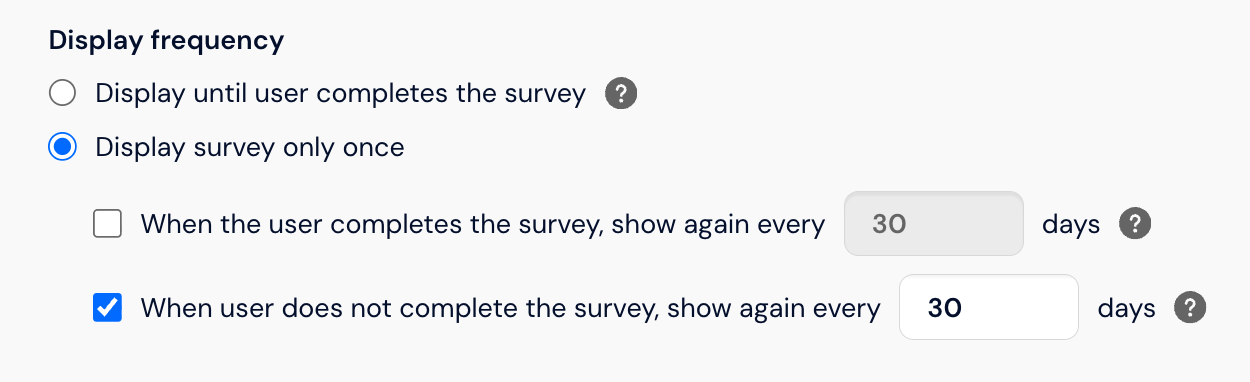
For the "Display the survey only once" setting, you can also decide after what time the survey should appear again if the user does not complete the survey (e.g., every 3 days).
How does the cyclical research feature work?
Information about survey completion is saved in the user's web browser. The moment the user enters the website, it is checked whether they completed the survey and when. If the time you selected has passed since the survey was completed or not completed (depending on your settings), the survey is displayed again, the completion information is overwritten, and the time is counted from the beginning.
Important: If the user opens your website on another device or in another browser, they will be treated as a new visitor and the survey will be displayed.
Enabling the feature when results are already collected in the survey
If results have already been collected in your survey and you enable the cyclical research feature, the survey will appear again to all people who completed the surveys before the feature was enabled. The completion information will be saved in the browser data only after enabling the feature.
Example
Adam started collecting results on the website on September 1st. On September 3rd, he enabled displaying the survey every 30 days. Between September 1st and 3rd, 10 completions were collected in the study. After enabling the feature, the survey will also be displayed again to people who completed it between September 1st and 3rd. As a result, Adam may collect answers from the same people twice in his study. The next time the survey will appear is after 30 days.
How to disable cyclical collection of results?
If you no longer want to collect results automatically, just uncheck the "When the user completes the survey, show again every __ days" and "When the user does not complete the survey, show again every __ days" options, or completely disable the collection of results. To do this, go to the Collection tab and uncheck the Active collection option.