
Where to get the template_id parameter?
There are two methods to retrieve the invitation ID. The first one can be done directly in the user panel by going to:
The "Share" tab, where we select the "Send via email" option.
Then we select "Enter manually". If you already have respondents added, skip this step.
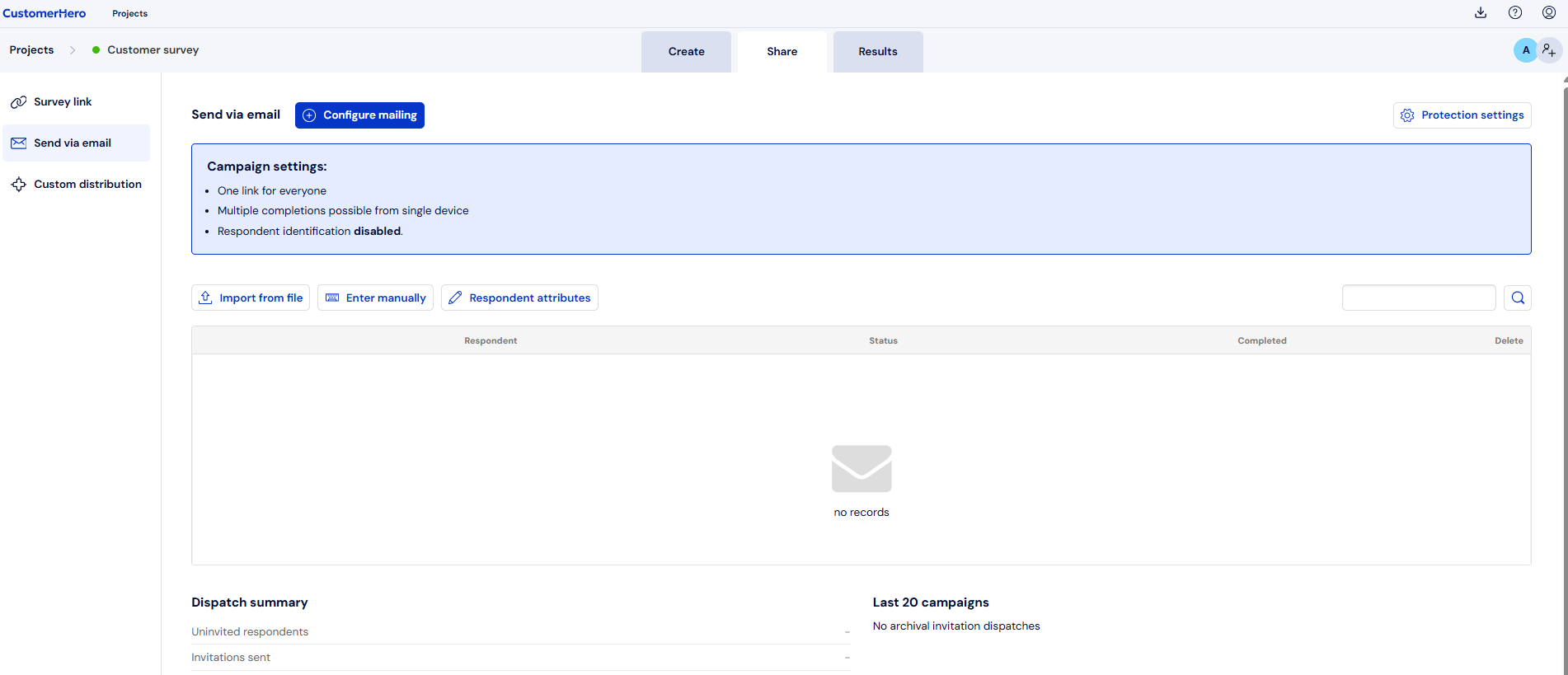
After adding a respondent, we select the "Configure mailing" option, which is located at the bottom of the screen.
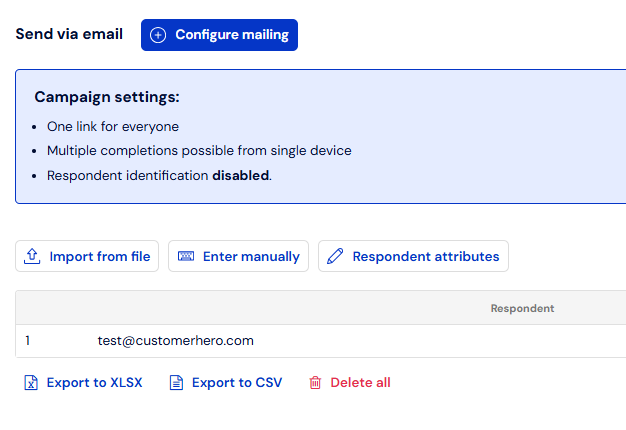
In this step, we choose any option that allows us to proceed:
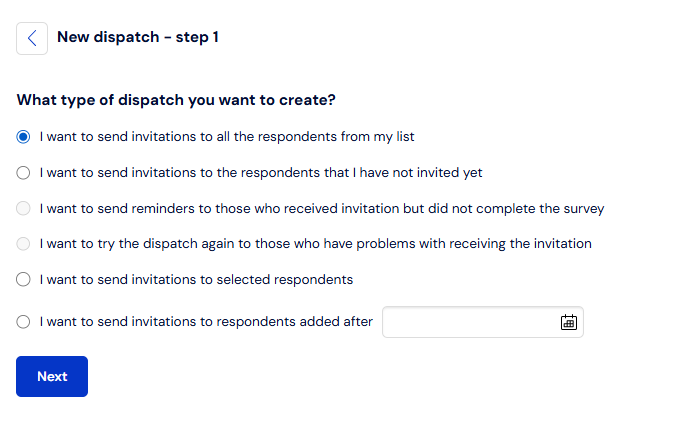
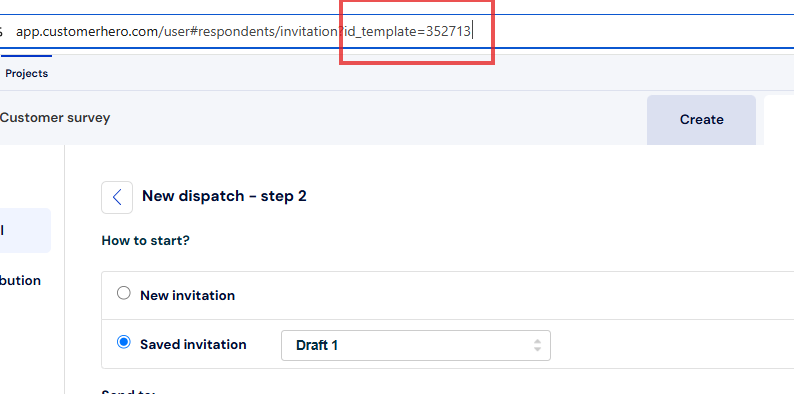
We select the invitation template we are interested in.
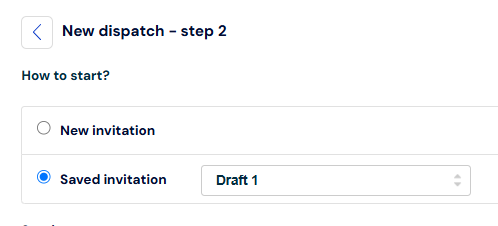
After selecting the template, an id_template will be added to the URL in the browser's address bar, which we can further use.
As we wrote earlier, there is also a second method to retrieve the invitation template ID by creating an appropriate Webhook. You can find more about this method in the link below:
https://help.customerhero.com/pl/support/solutions/articles/206000086329