
Accessing the survey against third parties
Thanks to this feature, you can protect access to your survey by securing it with a password. If you set one common password for all respondents, you can be sure that the survey will only be completed by authorized people — e.g., selected members of your team or company employees.
Access levels in CustomerHero
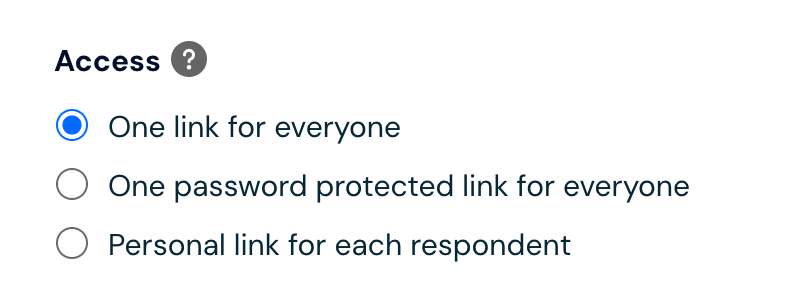
There are three levels of survey security available on the CustomerHero platform:
The same link for each respondent – each participant receives the same survey address, without additional security.
The same link for each respondent + password required – the survey is available only after entering a password you set. (See how to set a password).
Individual link for each respondent – each participant receives a unique link assigned to their email address. (See how to configure a survey with tokens).
How to secure access to the survey from unauthorized people?
Go to the Creation tab, and then select Survey settings.
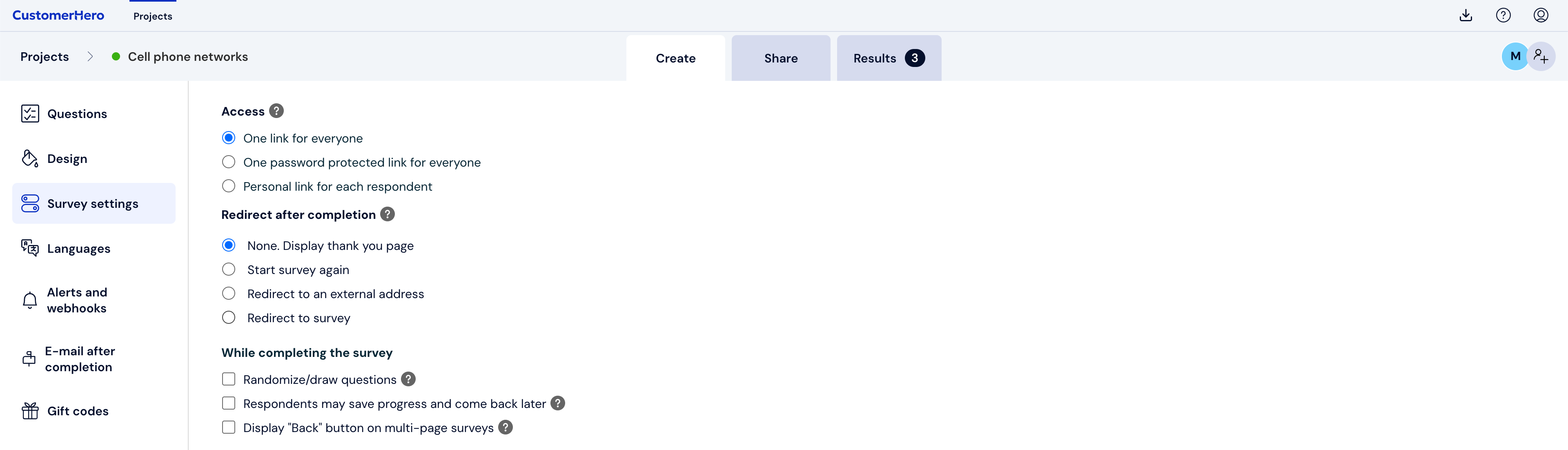
In the Access section, select the security level that best suits your needs. The higher the security level, the lower the risk that unauthorized people will complete the survey.
What is worth remembering?
After you start collecting responses, you cannot change the survey access level.
By default, surveys are available via the same link for all respondents.
This setting means that your survey will not be indexed by search engines such as Google.