
An SMS confirming the completion of the survey
Some studies require controlling the number of completions, who completed the survey, or the time the results flow into the system. Confirmation of completing the questionnaire can traditionally be sent to the email address provided by the user. However, this is not the only option. The CustomerHero platform gives you the opportunity to receive SMS confirmation on your phone number. You can also decide that not you, but a specific respondent receives such confirmation.
How to set up an SMS completion confirmation?
Sending information via SMS is possible thanks to webhooks, and more precisely, it is one of the possibilities offered by sending alerts via a webhook.
How to configure such an alert?
In the Creation → Alerts and webhooks tab, we configure sequentially:
Alert name → It is entirely up to you
Moment of checking the alert → After completion by the respondent
Condition for the alert to occur → New completion
Sending channel → Send as a webhook
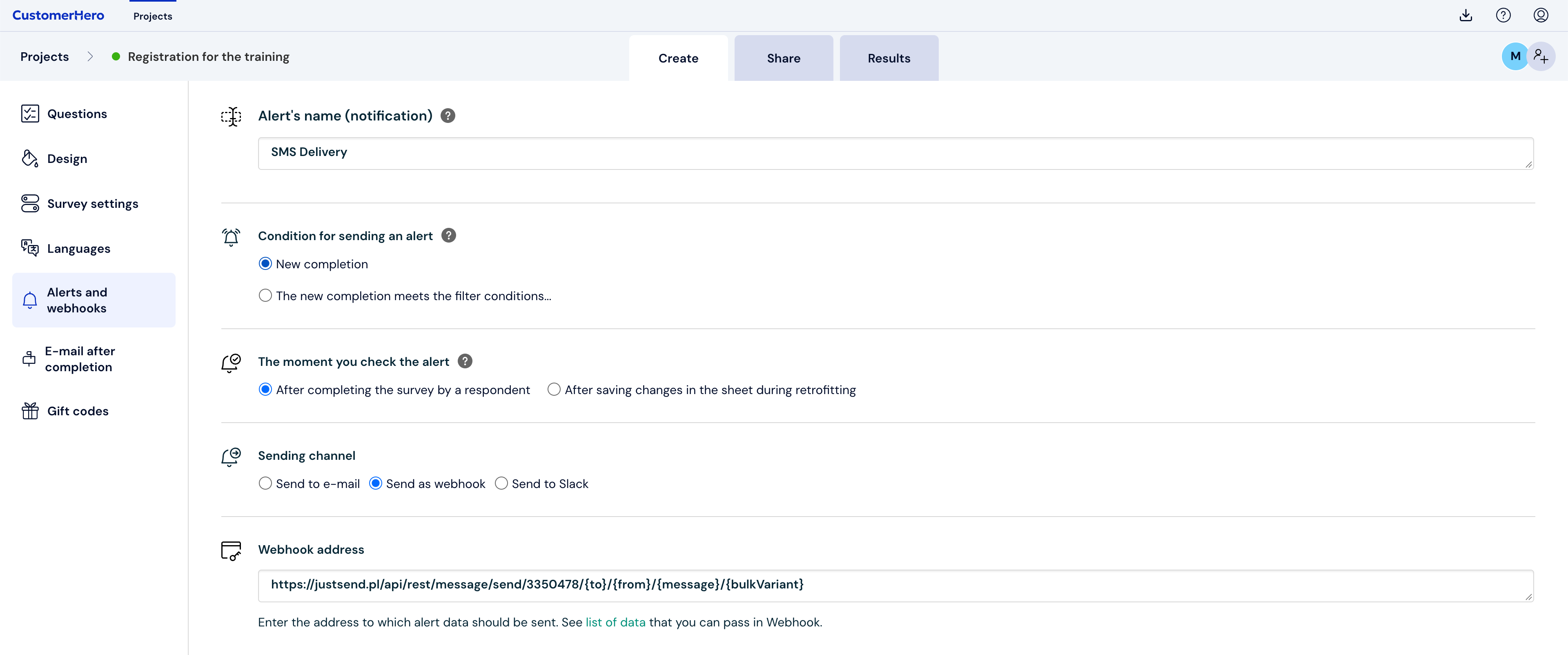
The webhook address is dictated by Justsend.pl and looks as follows:
Call: GET
https://justsend.pl/api/rest/message/send/{appKey}/{to}/{from}/{message}/{bulkVariant}For messages sent in the "BASIC model", an alternative method has been prepared allowing you to send a message using the GET method with fewer call parameters.
Call: GET https://justsend.pl/api/rest/message/send/{appKey}/{to}/{message},
where:
to - user's phone number to which the SMS message
is addressed
message - message content
In the GET method, for the correct handling of special characters, the message should be encoded using UTF-8 encoding and URL encoding.
The just send API documentation is available at this link. The beginning of the link will always be the same: https://justsend.pl/api/rest/message/send/
"appKey" is a unique value that you have in justsend.pl in the My account tab after logging into the justsend.pl panel.
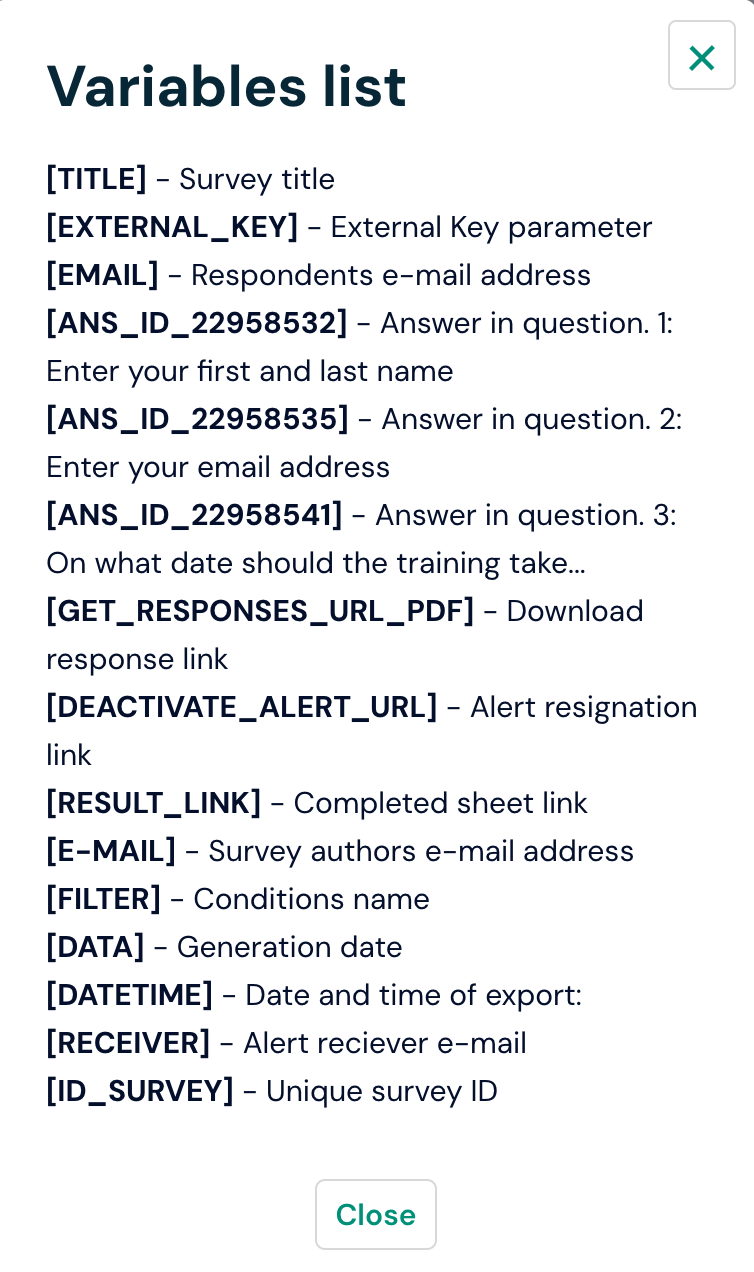
The "to" value is the unique ID of the question about the phone number – the question about the phone number should be selected from the Data list
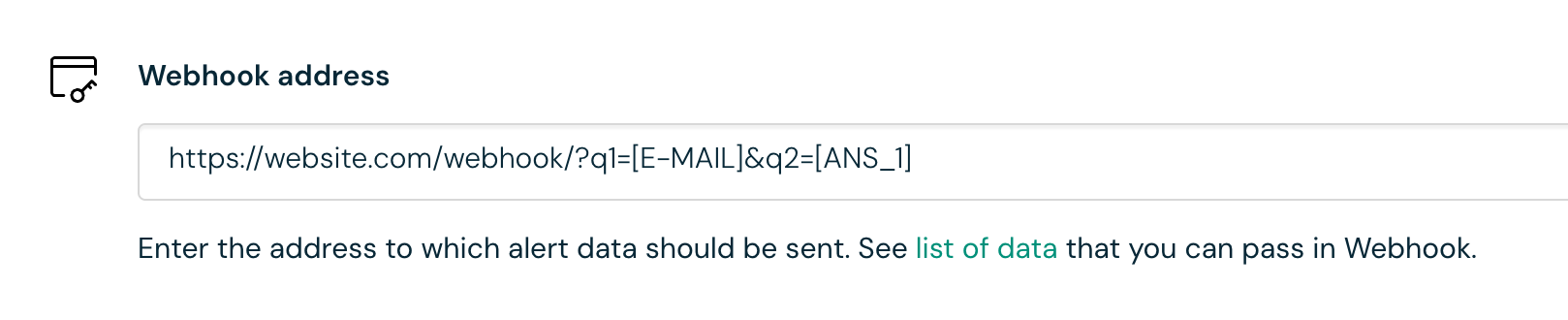
Please remember that the question ID is a unique value in each survey
The "from" value is the name of the sender – the name you enter here will be displayed to the recipient
The "message" value is the content of the sent SMS.
The text you want to send to respondents should be converted into a link, you can use a ready-made tool for converting text to URL for this purpose
https://www.w3schools.com/tags/ref_urlencode.asp
E.g., the text "Dziękujemy za wypełnienie ankiety. Państwa kod rabatowy to ANKIETA"

Will take the value:
Dzi%C4%99kujemy+za+wype%C5%82nienie+ankiety.+Pa%C5%84stwa+kod+rabatowy+to+ANKIETAOnly such text is placed in the webhook URL that we are currently preparing.
The bulkVariant value is the type of service you purchased at justsend.pl, in our case it will be premium.
Our webhook will take the value:

https://justsend.pl/api/rest/message/send/XXX/[ANSWER_ID_7021123]/Webankieta.pl/Dzi%C4%99kujemy+za+wype%C5%82nienie+ankiety.+Pa%C5%84stwa+kod+rabatowy+to+ANKIETA/PREMIUM