
How to add a new subaccount in your package?
Add people from your team to a shared plan and create projects together.
Having access to the CustomerHero platform, you can create a completely independent account for conducting research or jointly analyzing results. A sub-account added within your plan will have the same permissions to create projects, alerts, or reports as you do.
How to add a sub-account?
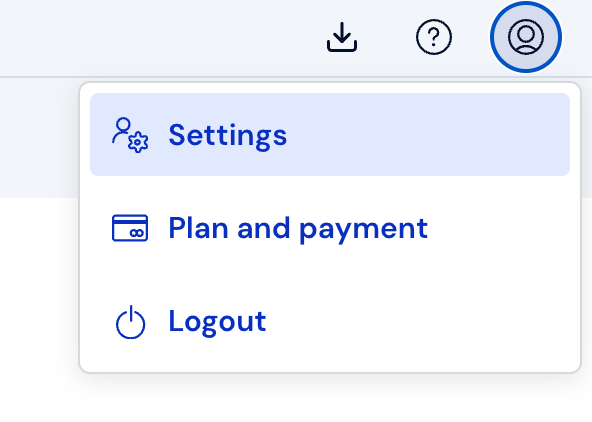
In the top right corner, select the Account button and then Settings.
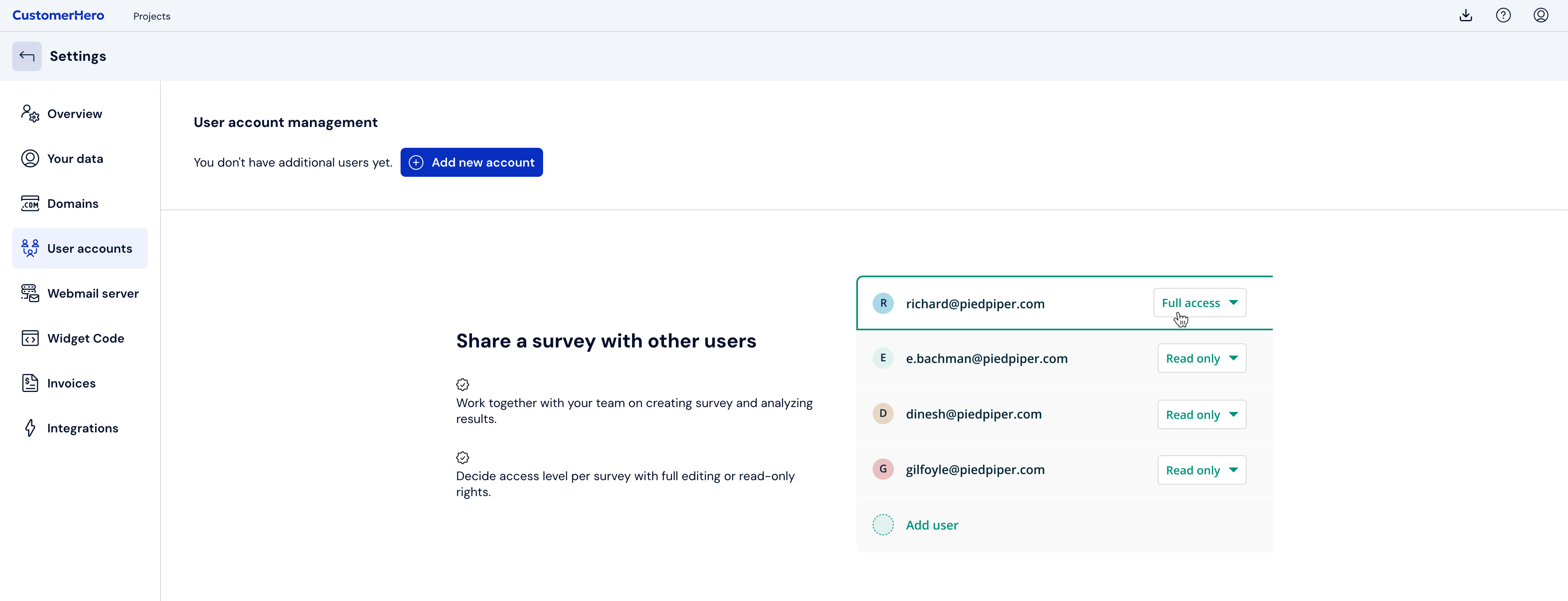
Go to the User accounts tab and click on Add a new account.
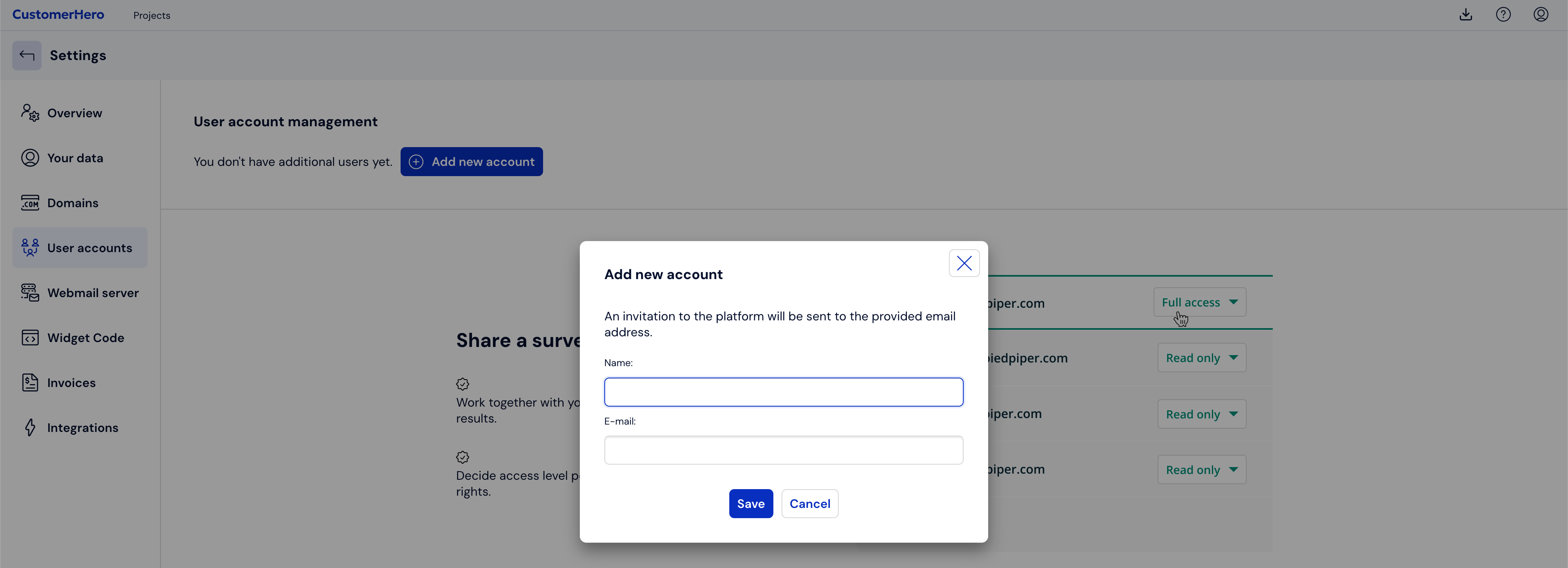
A window will appear in which you should enter the name and email address of the person you want to add to your plan. [Important information: the email address in the system should be unique – there cannot be two accounts with the same address]
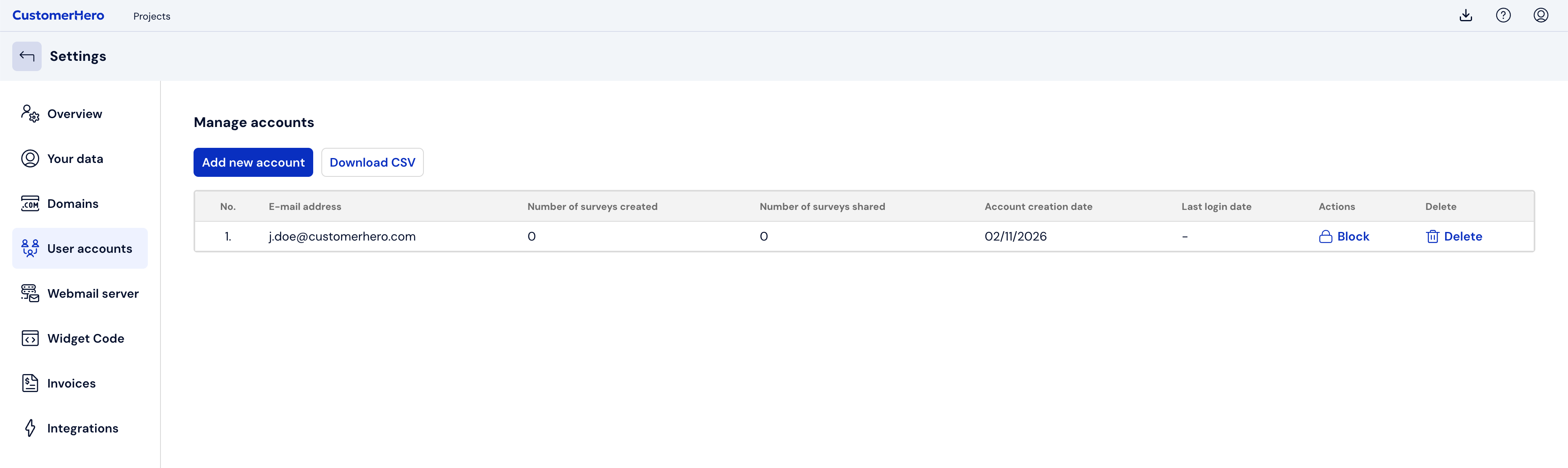
Click Save. An email with an invitation to the team will be sent to the provided email address. The contact will be displayed on the user list
What is worth remembering?
After adding a sub-account, you have the option of sharing selected projects between all accounts in your plan. Thanks to this, you can easily and quickly engage other team members to work together.