
Changing the password to your account
We recommend changing your access password periodically to secure your account against unauthorized changes by third parties. You can make the change at any time, provided you have access to the e-mail inbox to which the account is registered.
How to change the login password?
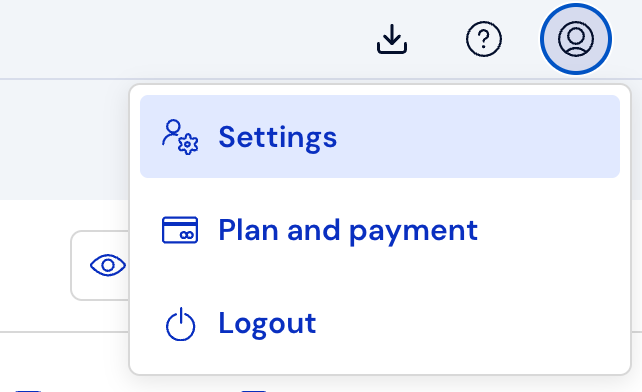
In the upper right corner of the screen, click Account, and then Settings:
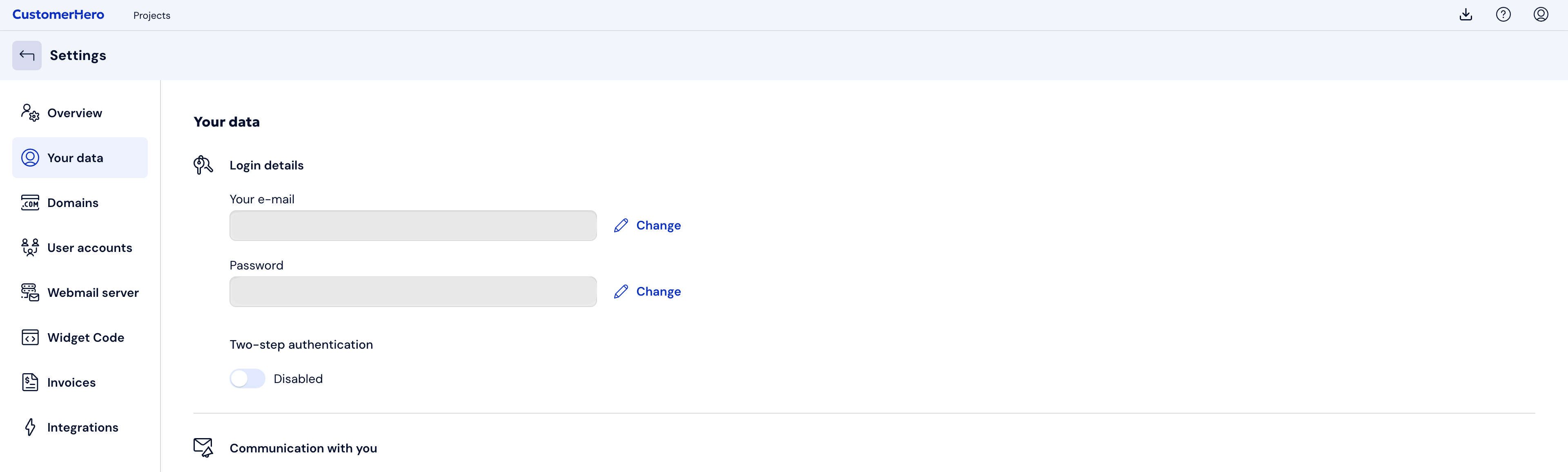
Select the Your data tab. Click on Change located next to the Password field.
A window will appear where you must enter your current password and your new password twice.
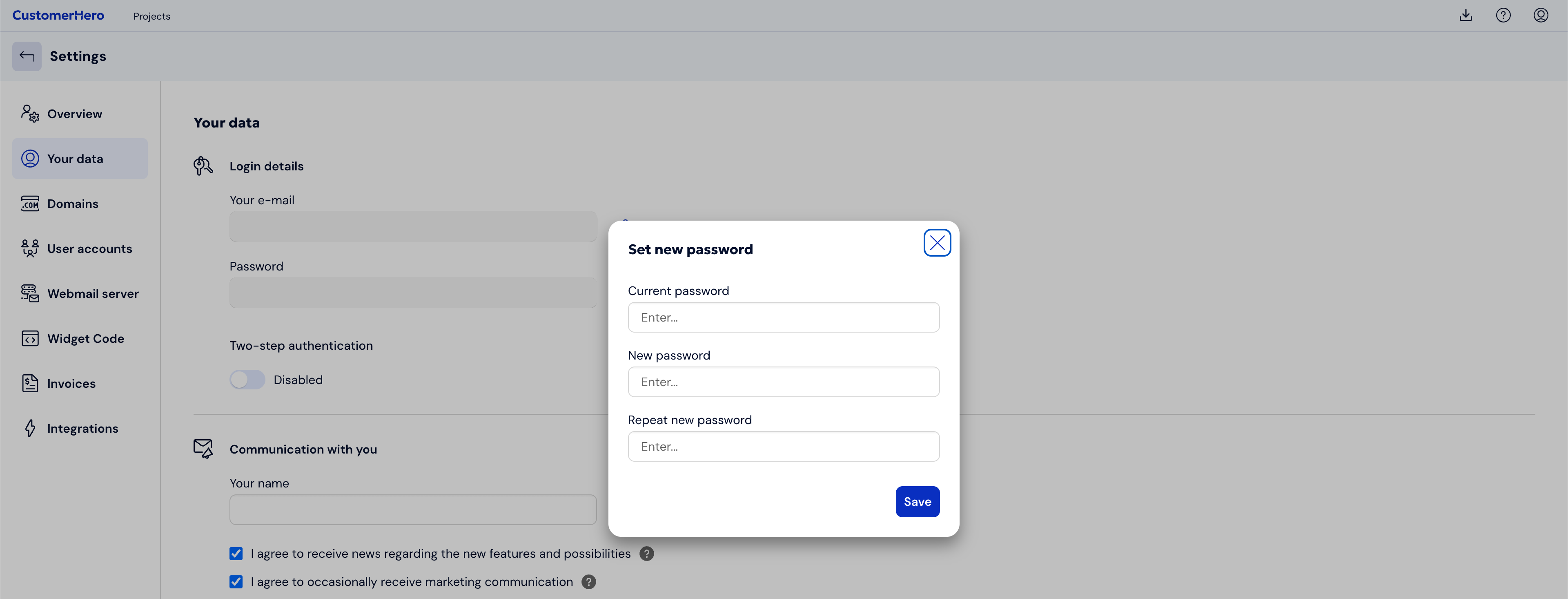
To save the changes, click the Save button.
Log out and log in again to check if the new password works correctly.
What is worth remembering?
If you do not remember your old password, use this form to generate a new password.
It is recommended that the password consists of both uppercase and lowercase letters, as well as numbers and a special character. This is to increase security.