
Changing the email address of the account
Changing the e-mail address (login) is useful if the person managing the account in the company changes or if you want to receive communication from the service to a different e-mail address. We invite you to a short instruction on how to change your login data.
How to change the login e-mail?
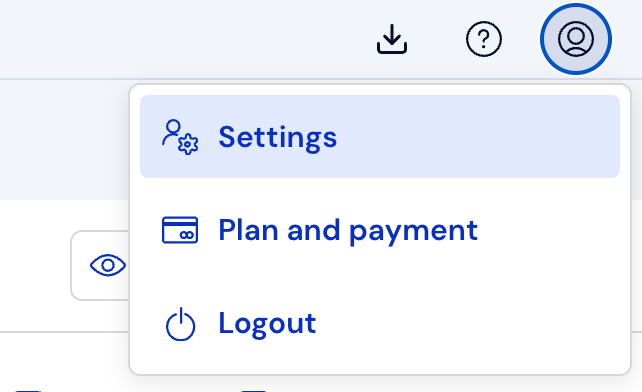
Click the Account icon in the upper right corner of the screen, and then Settings.
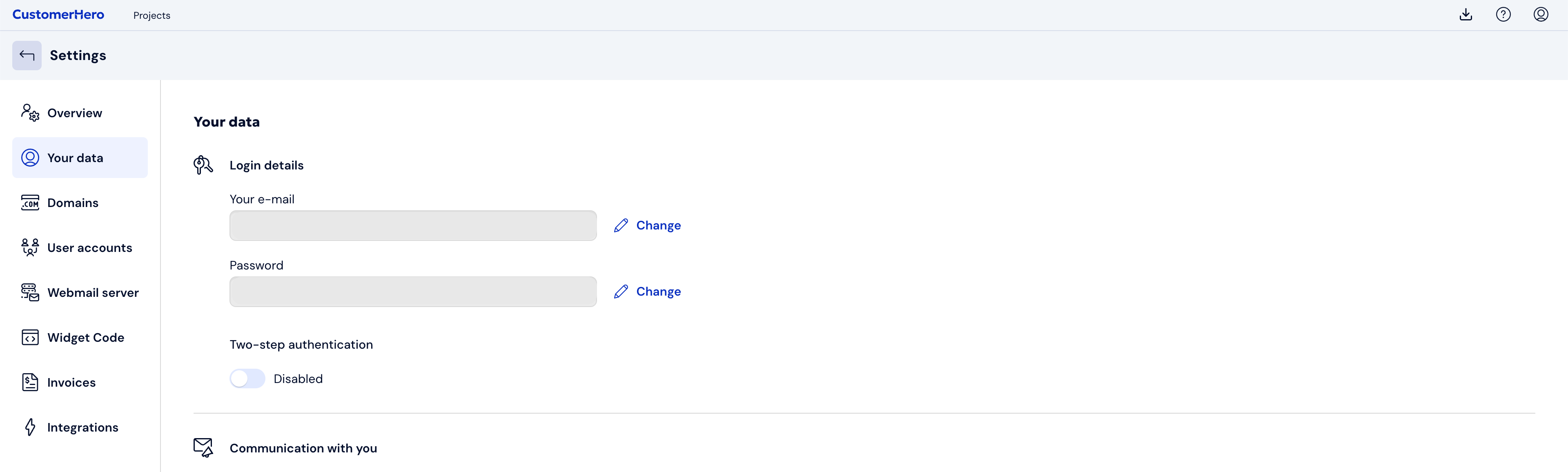
Select the Your data tab. Click on Change located next to the Your e-mail field.
A window will appear where you must enter your current password and the new e-mail address.
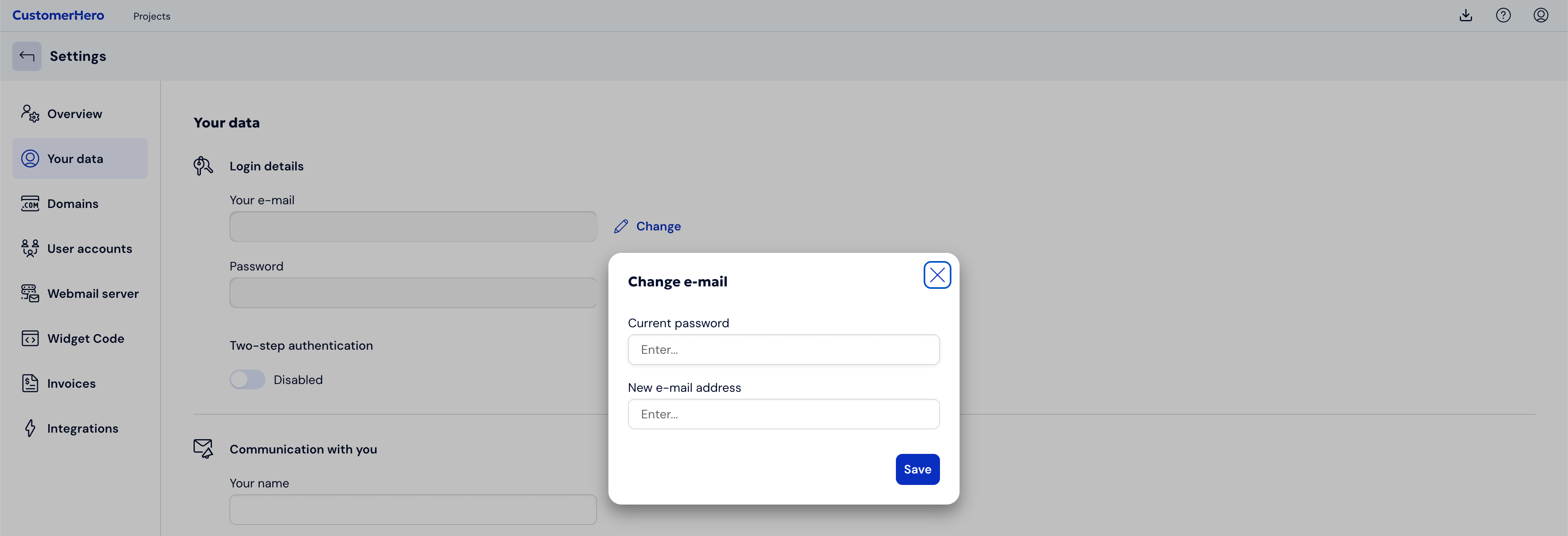
To save the changes, click the Save button.
A confirmation of the e-mail address change will be sent to your new address.
After clicking the link, the address will be changed.
What is worth remembering?
If the changes are not confirmed using the link received via the new address, then logging in will be done using the old e-mail.