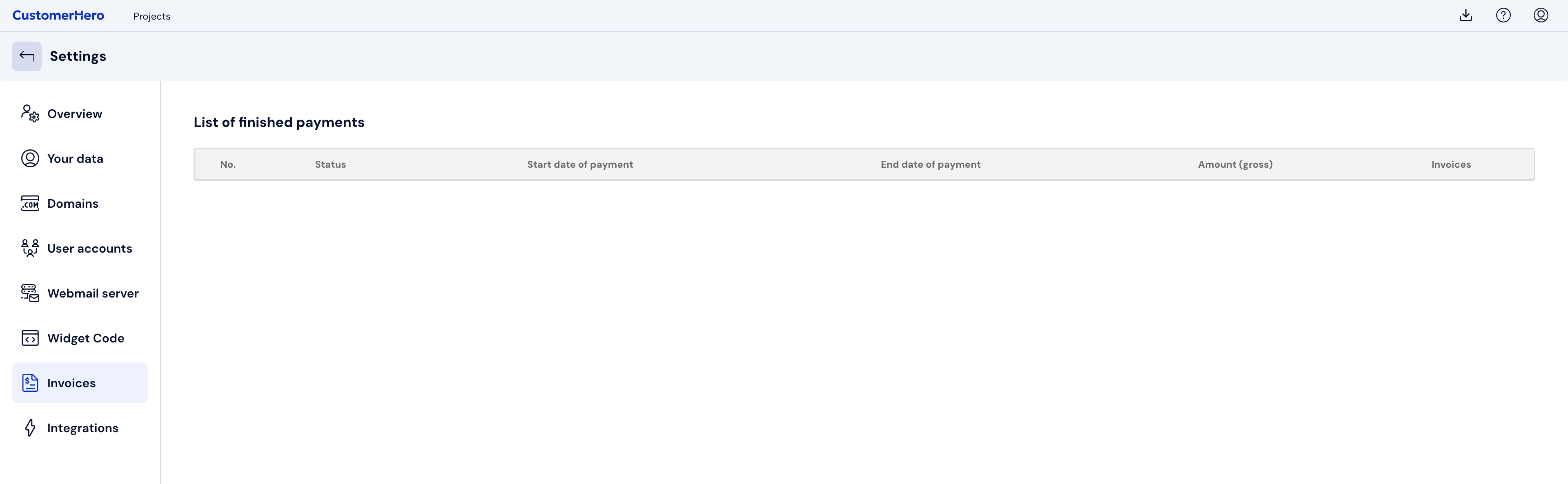
How do I download the invoice?
If you selected the option to receive a VAT invoice during payment, the document will be sent to your e-mail address. You can also download it directly from the user panel.
1. Check your e-mail inbox
- The invoice is sent in PDF format.
- If you do not see the message in your inbox, also check the SPAM and Offers folders.
2. Download the invoice from the user panel
If the e-mail did not arrive or was accidentally deleted, you can download the invoice yourself at any time:
- Log in to your CustomerHero account.
- Go to the ACCOUNT → SETTINGS → INVOICES AND PAYMENTS tab.
- On the payment list, find the correct transaction and click Download.
Done! The invoice will be downloaded to your device in PDF format.